Modes
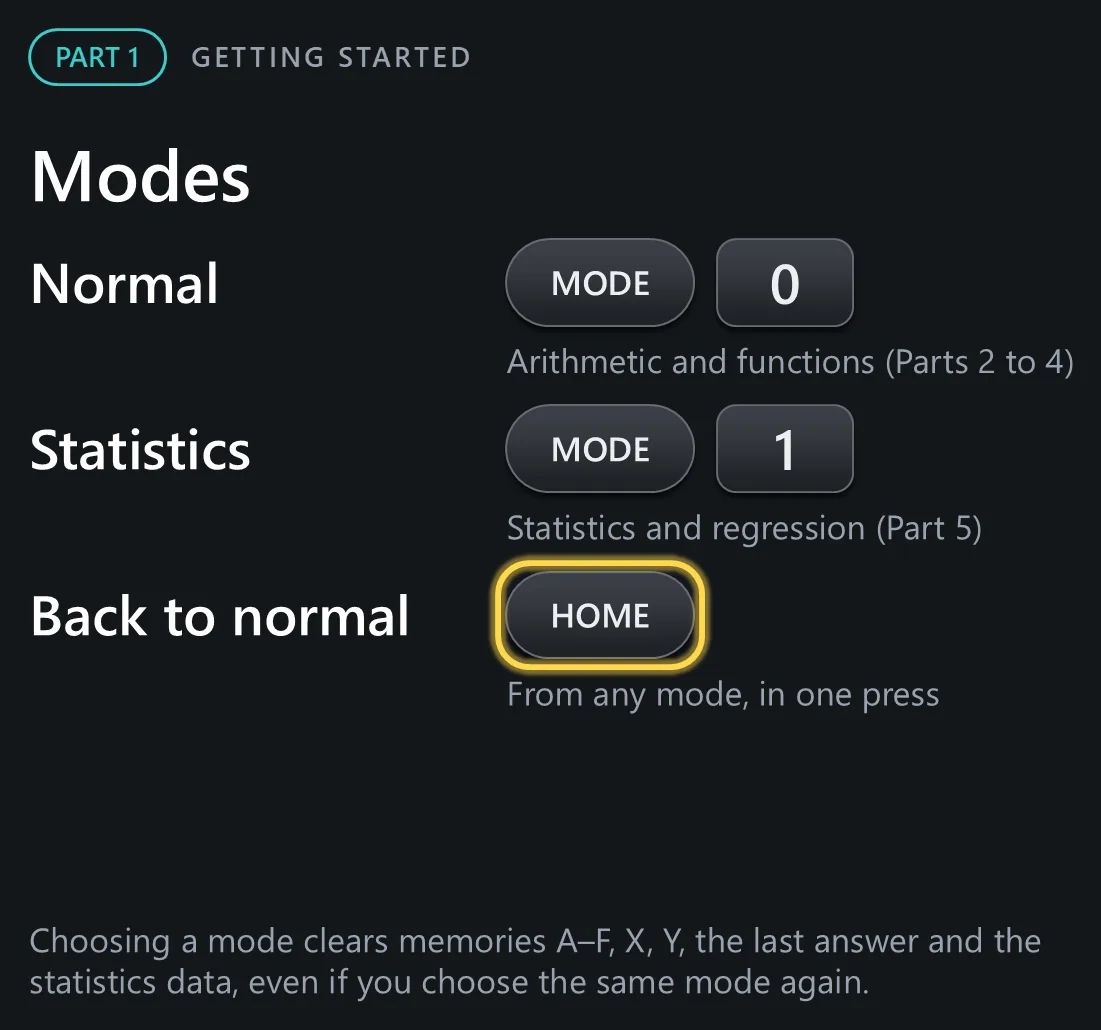
The calculator has two modes. Press  and then
  for normal mode, where we do almost everything in this tutorial. Press and then
  for statistics mode, which we cover in Part 5. From any mode,
  returns to normal mode in one press. Warning: choosing a mode clears the temporary memories to , and , the last answer and the statistics data, even if you choose the same mode again.