PART 2: Arithmetic and functions
Welcome to Part 2 of the SHARP EL-531XT tutorial: everyday calculations and the scientific functions. Before each example, press ON C to clear, and make sure the angle unit matches the badge at the top right of the slide.
▶ Watch this step in the video (10:49)
Arithmetic operations
Section 2 of the manual: the four operations, parentheses, negative numbers, and powers of ten.


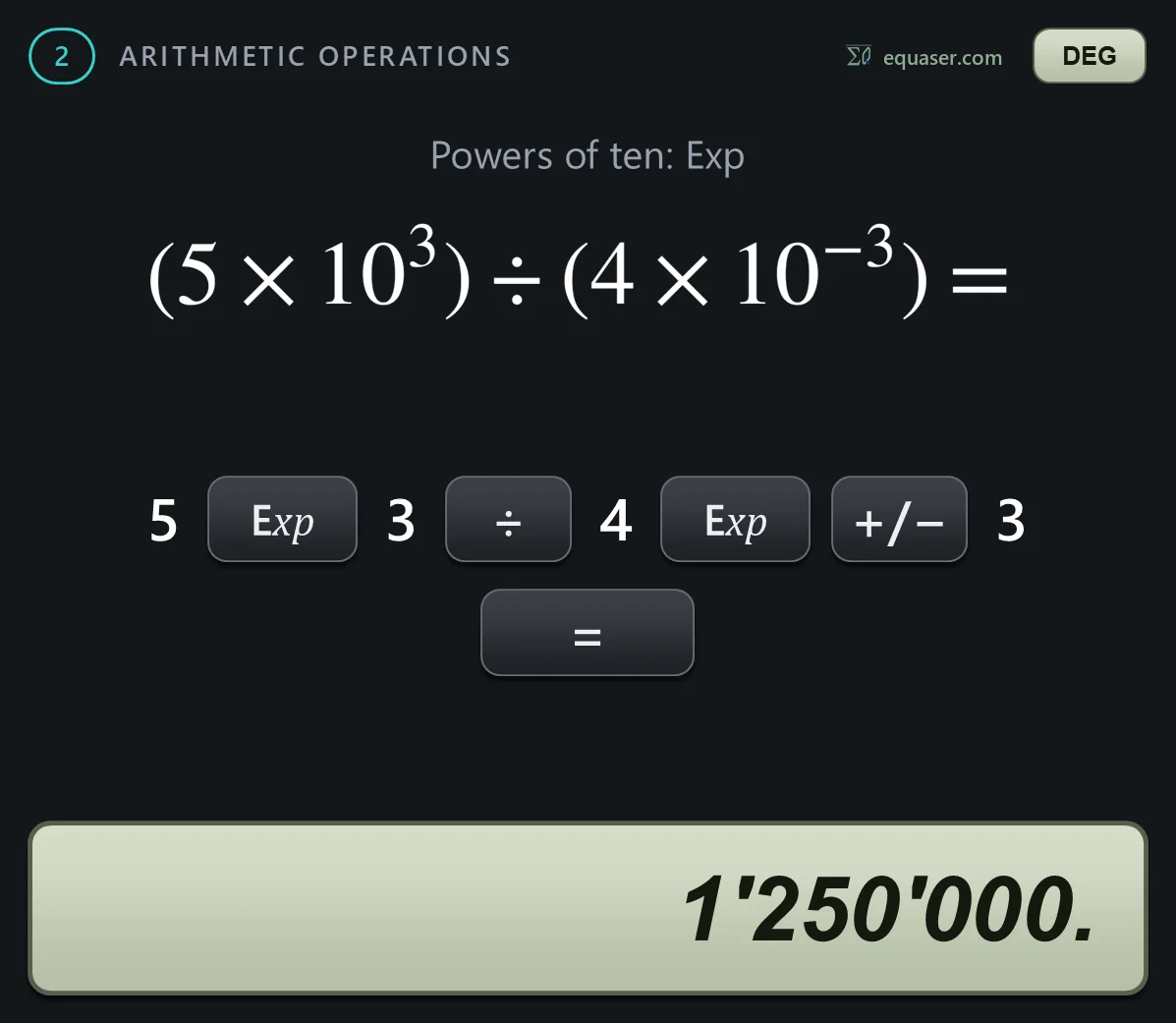
Constant calculations
Section 3: constant calculations. After one calculation, the calculator remembers the operation and the number, so you can repeat it on a new number just by pressing equals. While a constant is set, the display shows the letter K.


Functions
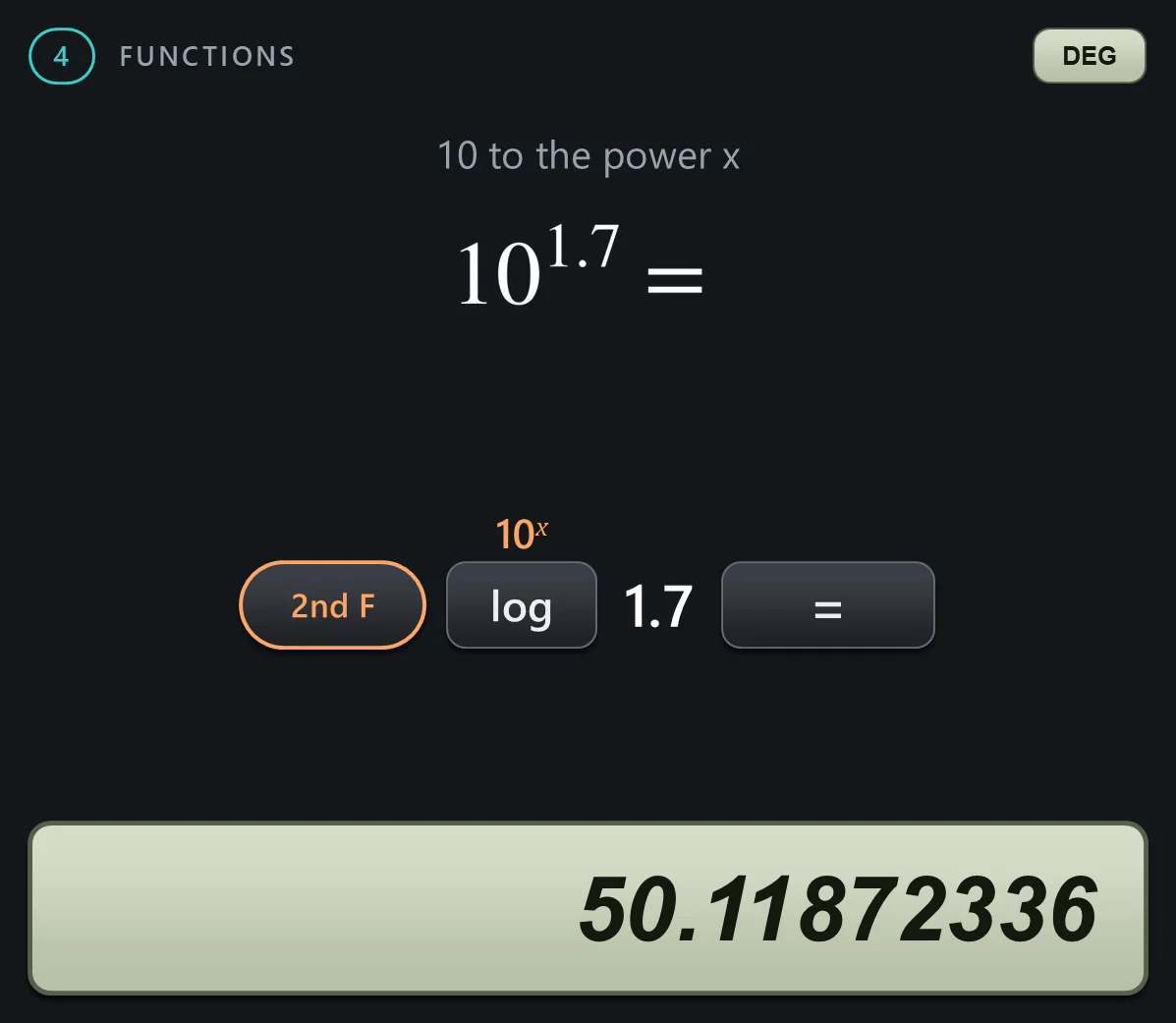
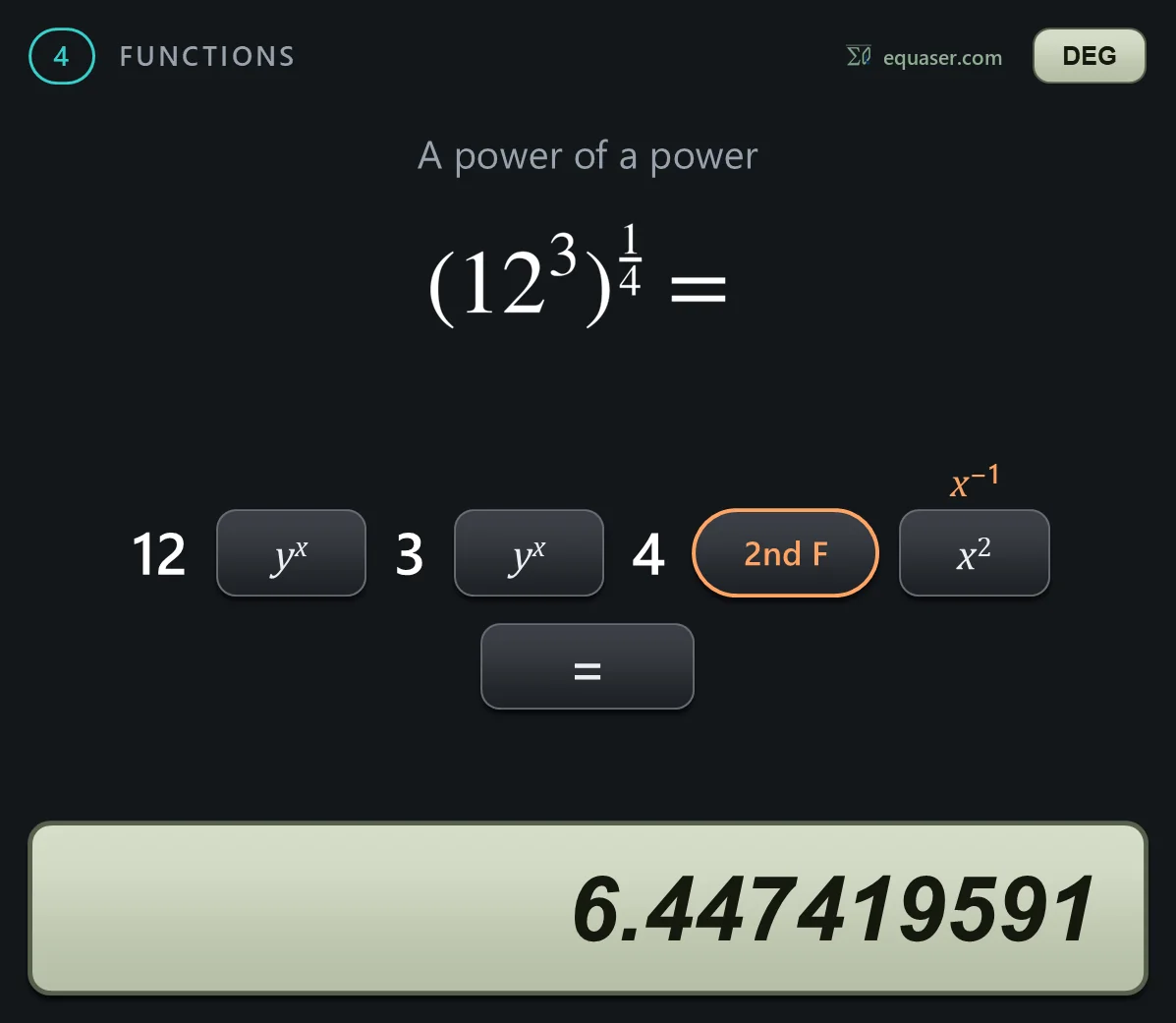
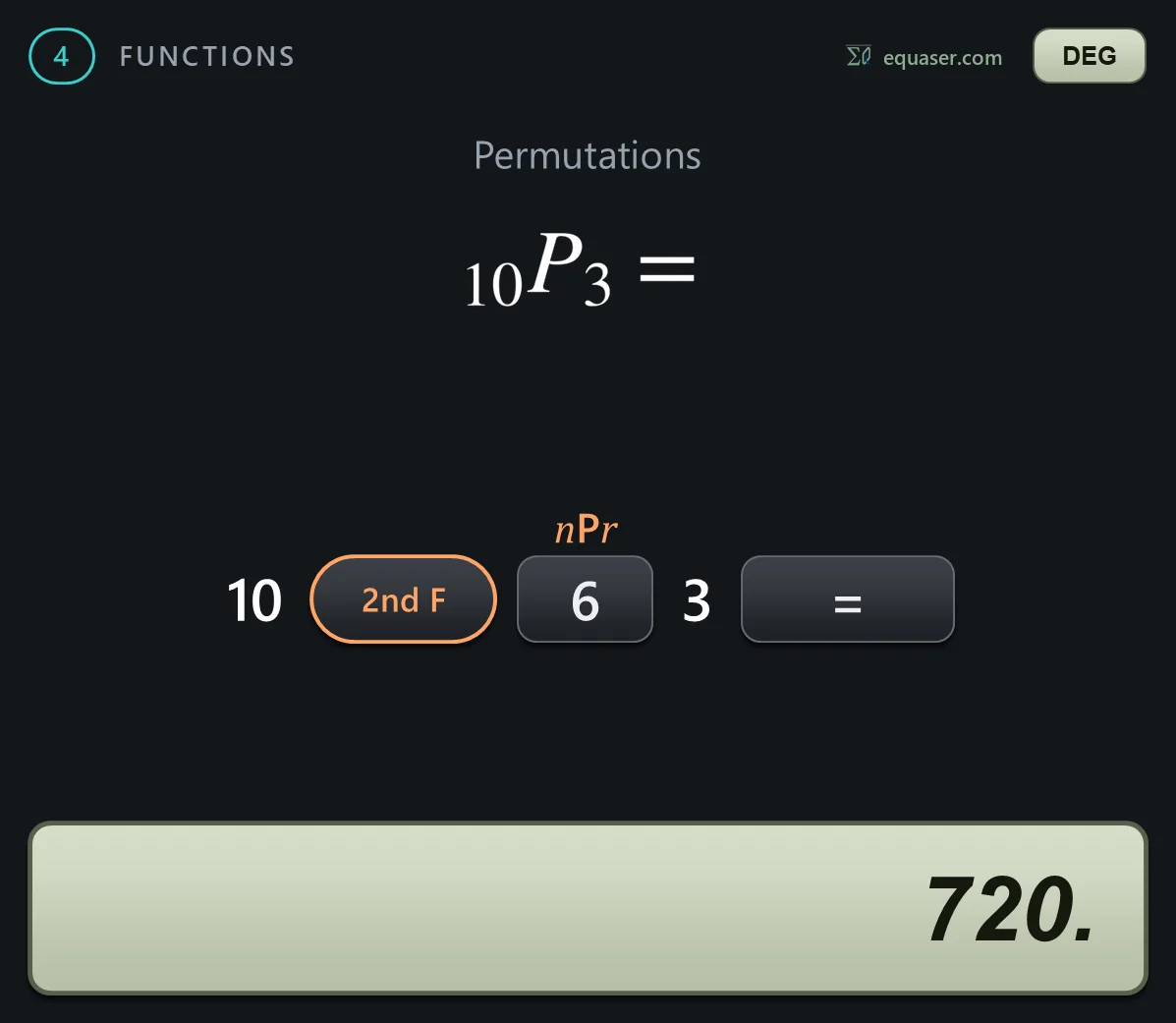
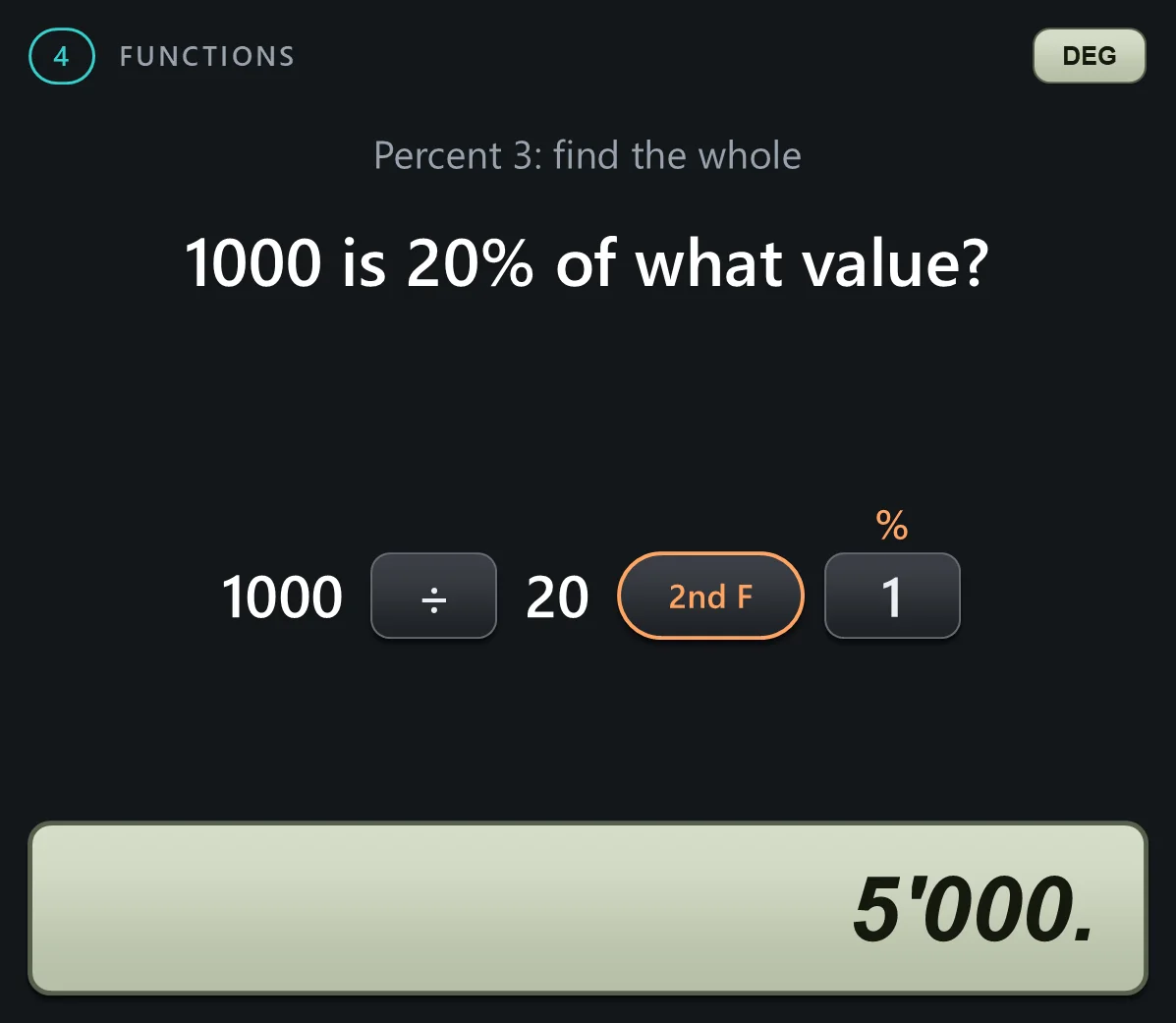
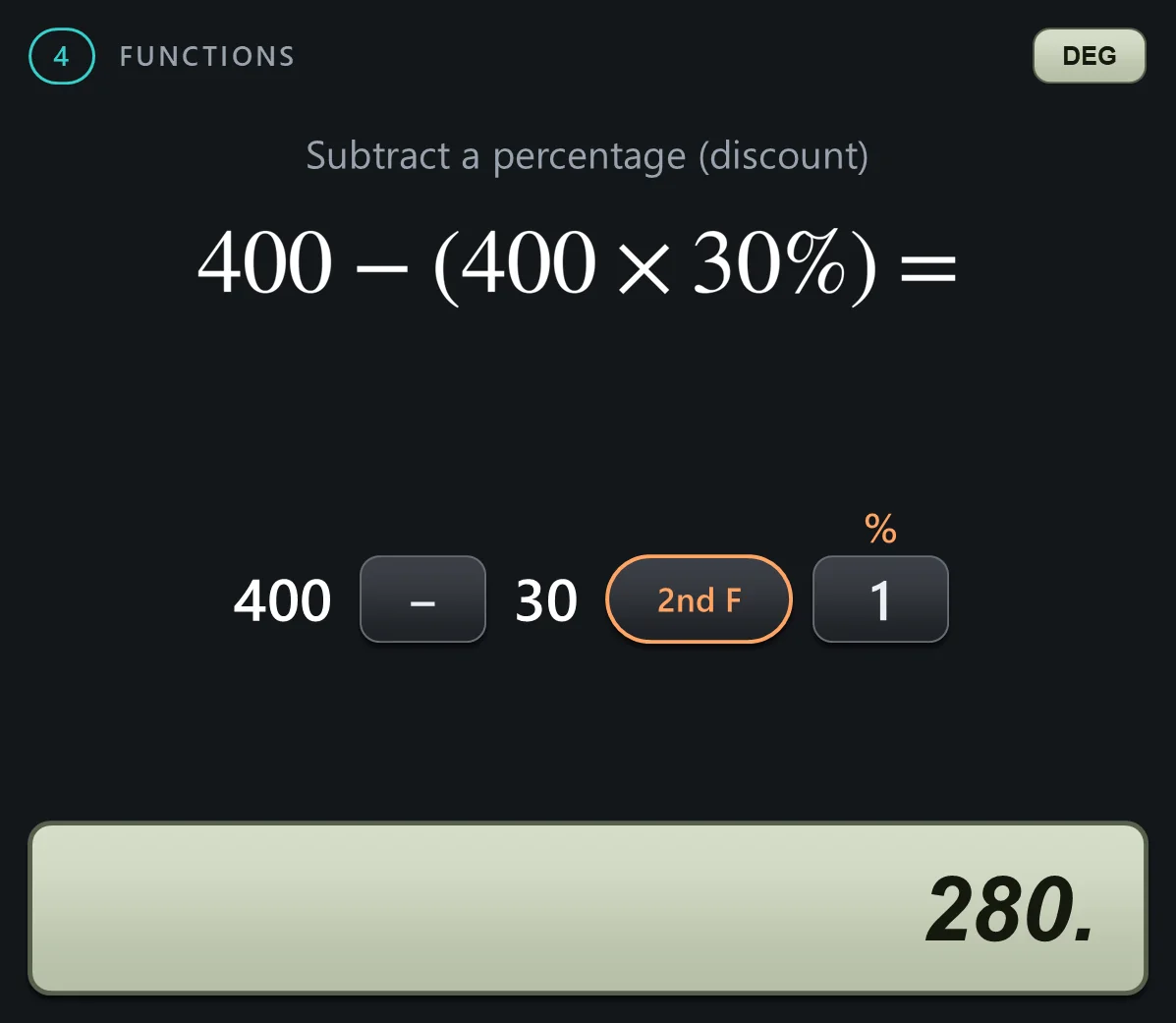
Section 4: the functions. The orange labels above the keys need 2nd F first. Watch the angle unit: the examples switch between degrees, radians and grads, and the badge at the top right of each slide shows the unit in use.










Angle unit conversion
Section 5: converting an angle from one unit to another. D R G convert is the orange label above the pi key. Each press converts the number on the display to the next unit: degrees to radians, radians to grads, and grads back to degrees.

