PART 4: Number bases, angles and coordinates
Welcome to Part 4 of the SHARP EL-531XT tutorial: binary, octal and hexadecimal numbers with the logic operations, degrees, minutes and seconds, coordinate conversion, and the modify function.
▶ Watch this step in the video (35:38)
Number bases (N-base)
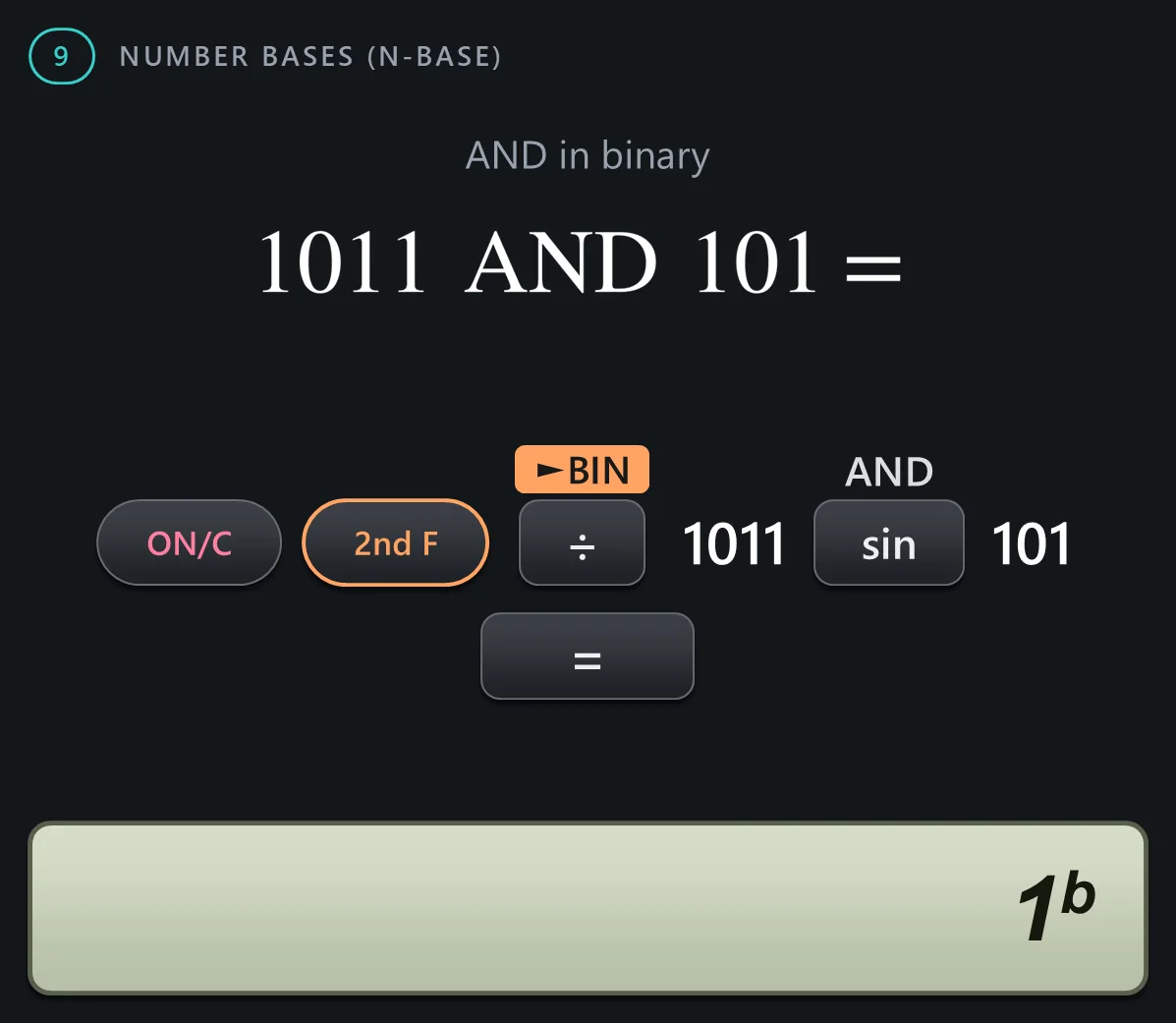
Section 9: number bases. The calculator converts between binary, pental, octal, decimal and hexadecimal, and calculates in each of them. The base keys are the orange boxes above the operation keys, and the logic operations are the white labels above the top row of function keys.




Degrees, minutes and seconds
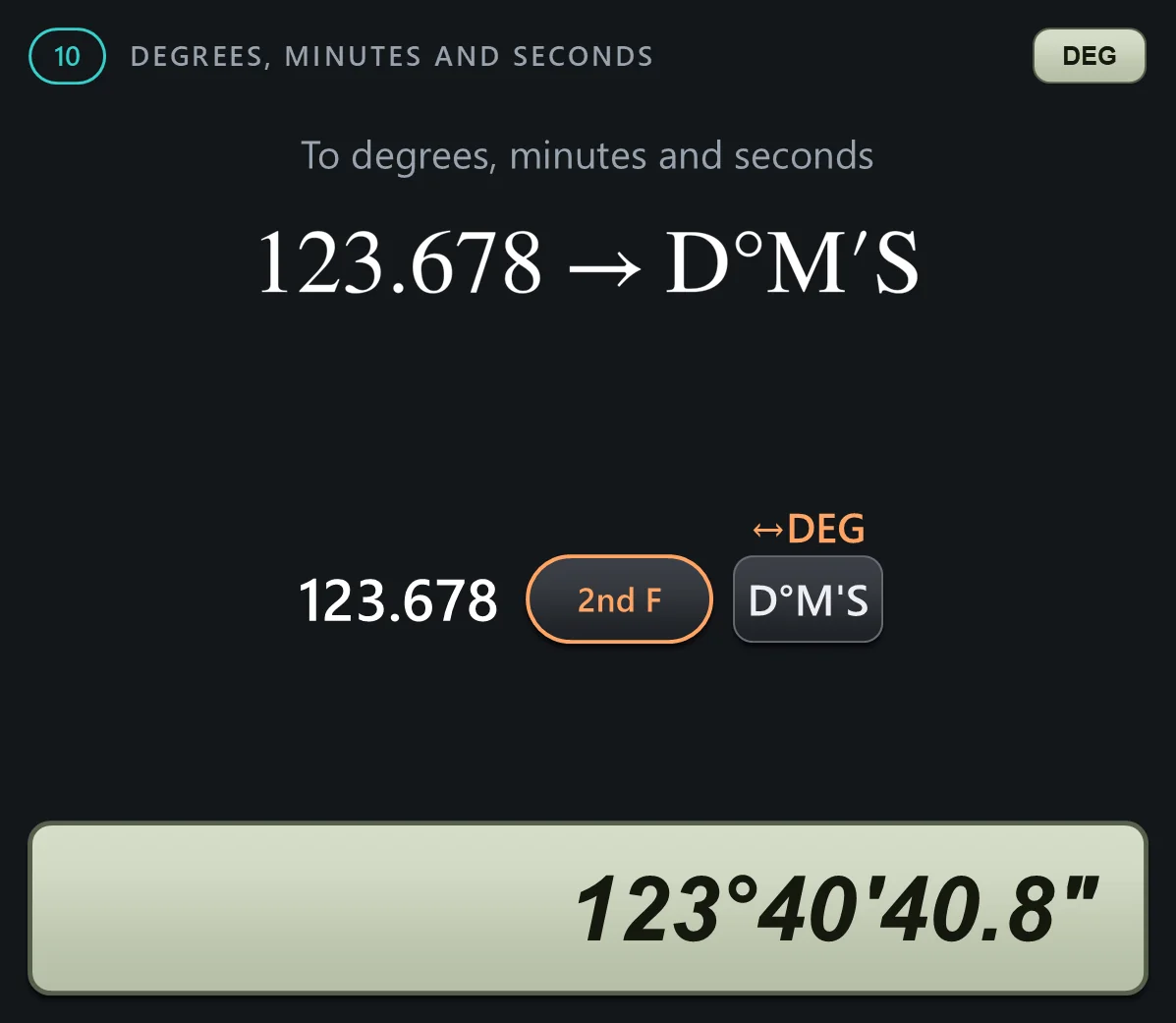
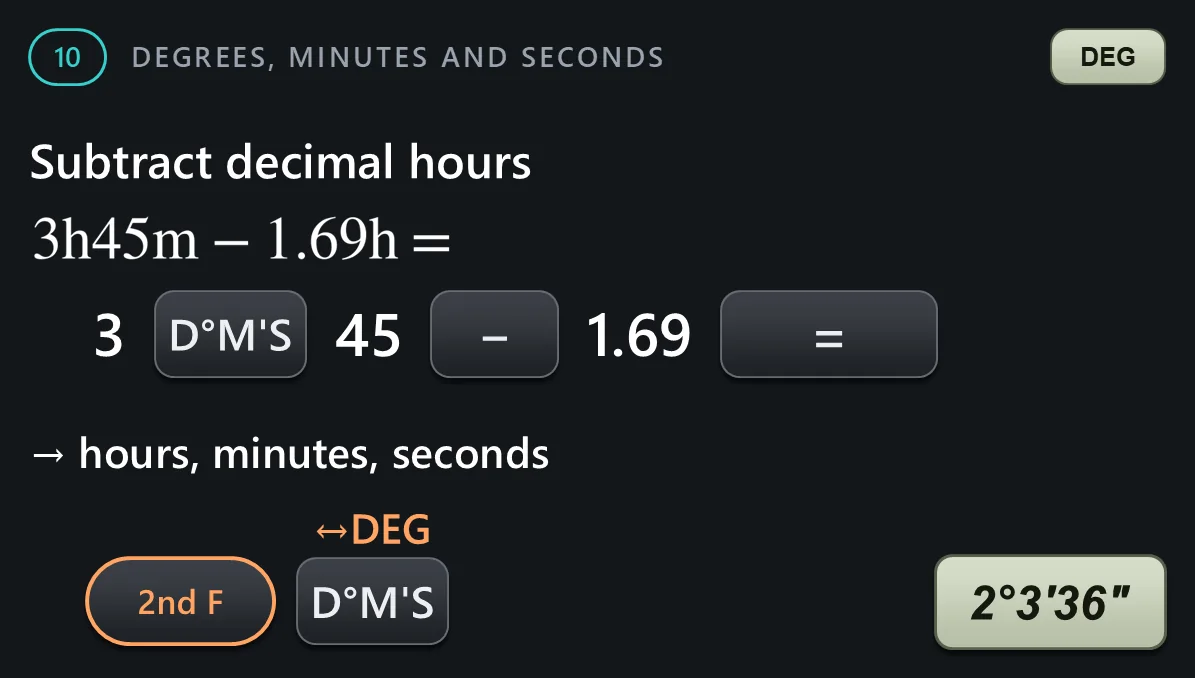
Section 10: degrees, minutes and seconds. The D M S key separates degrees, or hours, from minutes and seconds, and 2nd F convert degrees switches between that and a decimal number.




Coordinate conversion
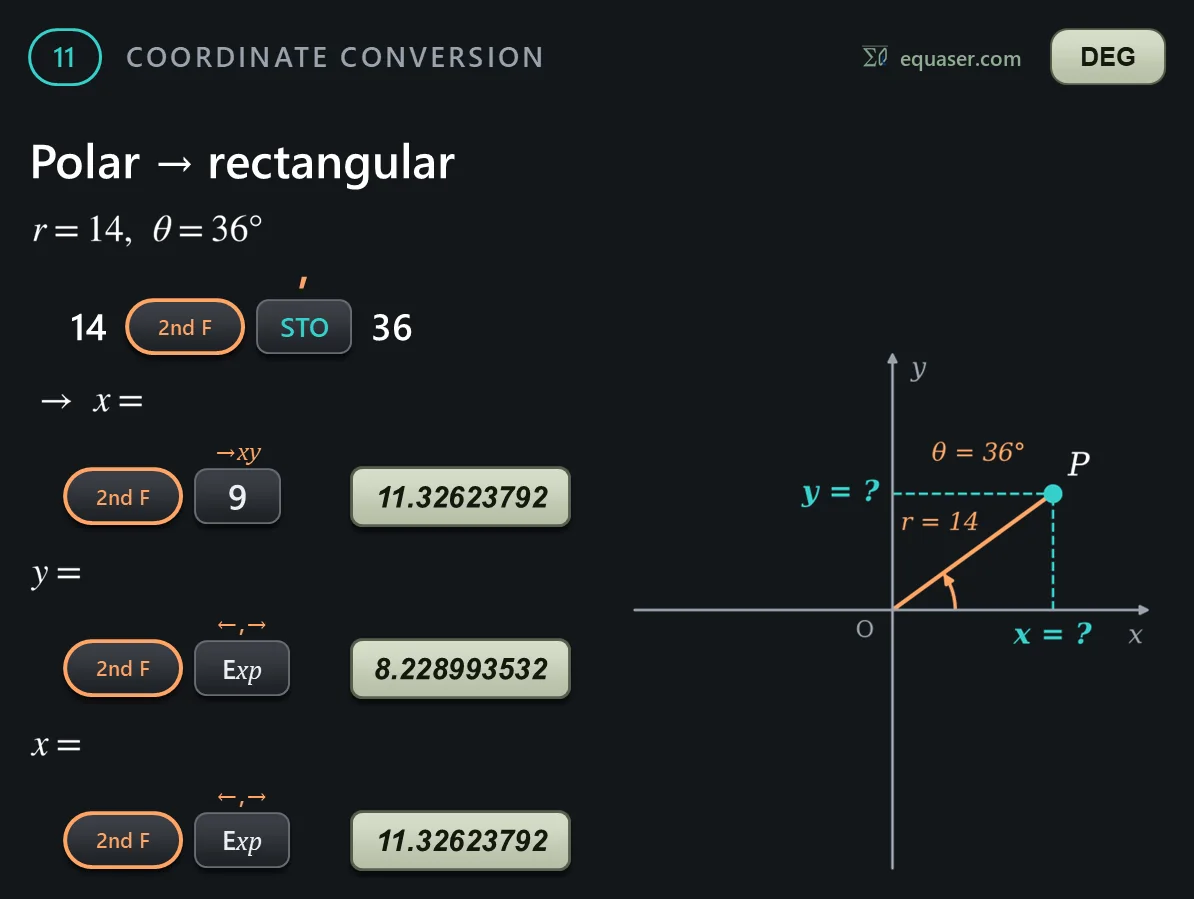
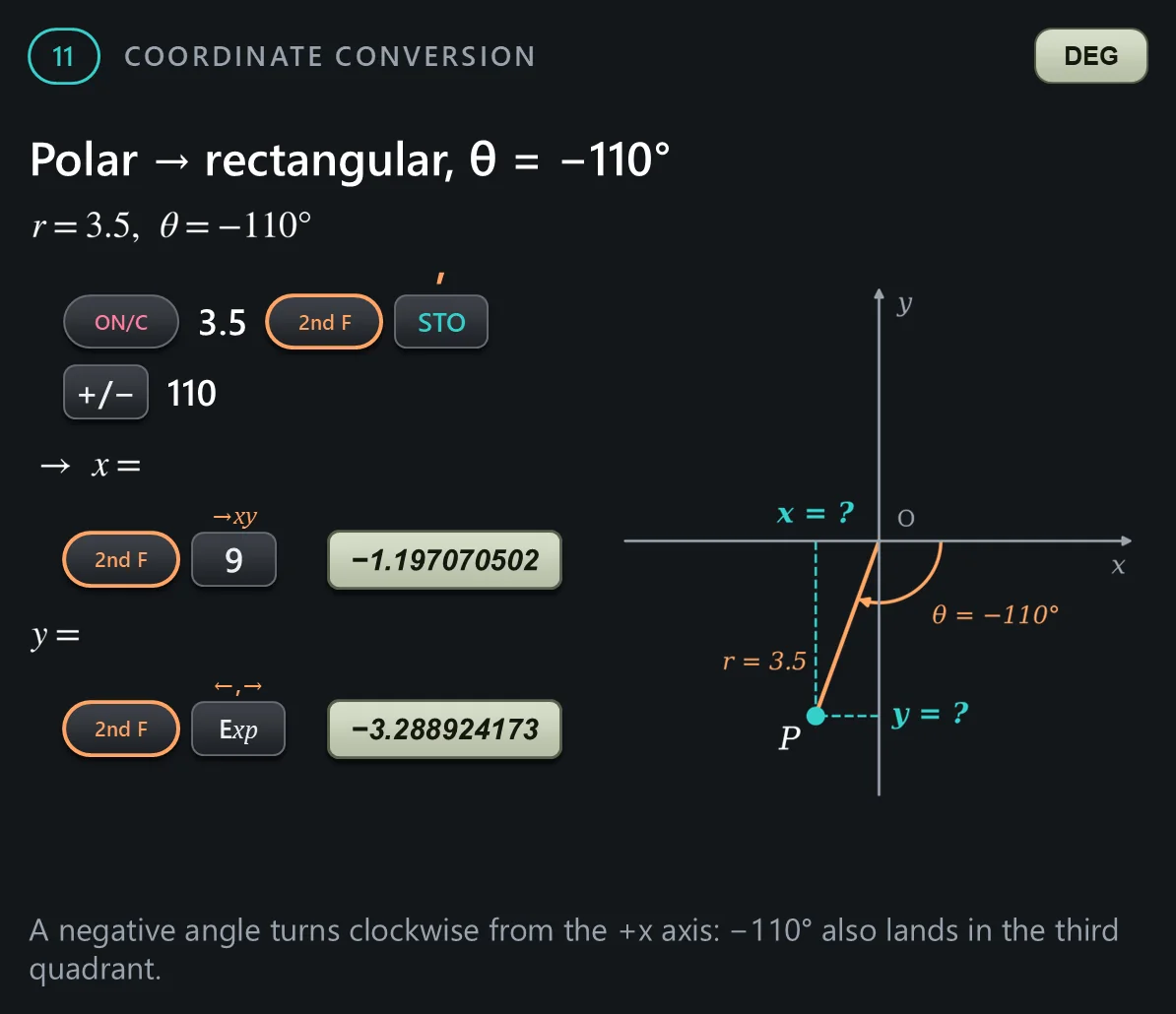
Section 11: coordinate conversion, between rectangular and polar coordinates. The comma is the orange label above STO, and the left-right arrow above Exp switches between the two results. Set the angle unit before you start; here it is degrees.




Modify function
Section 12: the modify function, M D F, the orange label above the 0 key. The calculator keeps answers internally with up to 14 digits, more than it shows. M D F rounds the kept answer to exactly what the display shows.
