PART 5: Number bases, time, constants and more
Part 5: number bases, time, constants and more. This part covers the five number bases and their logic operations, times and angles, coordinate conversions, the physical constants, the unit conversions, engineering prefixes, the modify function, and a group of functions for whole numbers.
▶ Watch this step in the video (47:44)
Number bases
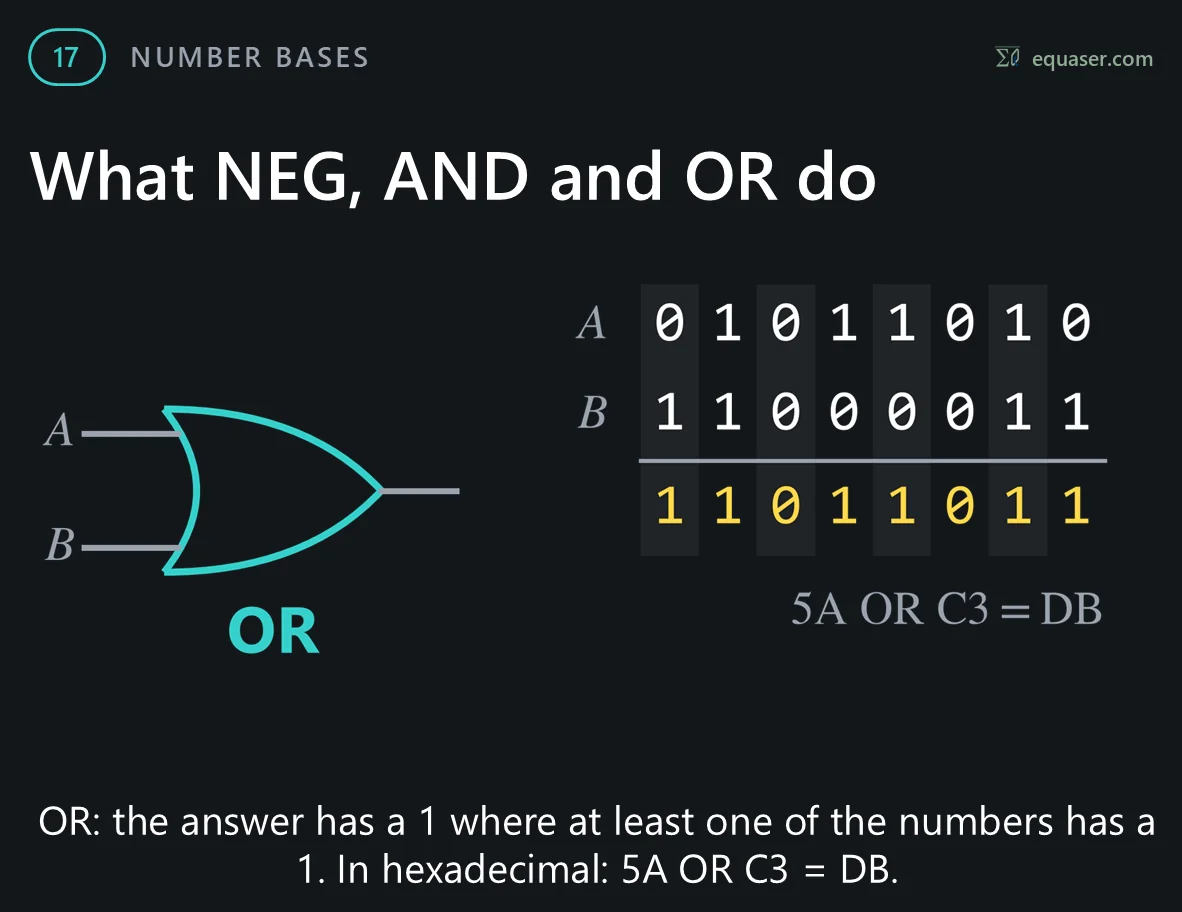
Example 17: number bases. 2nd F followed by ÷, +, −, × or = shows a whole number in base 2, 5, 8, 16 or 10. This works in NORMAL mode.




Time and angles
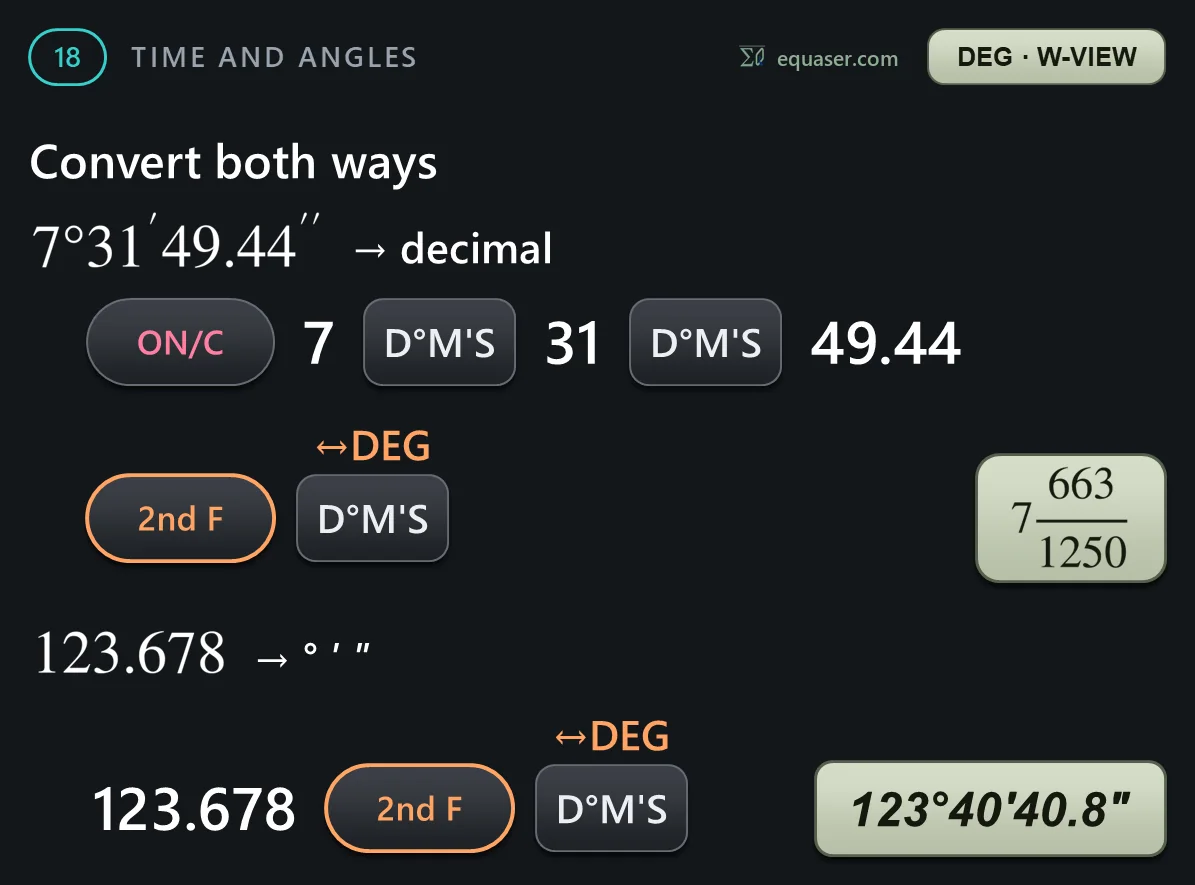
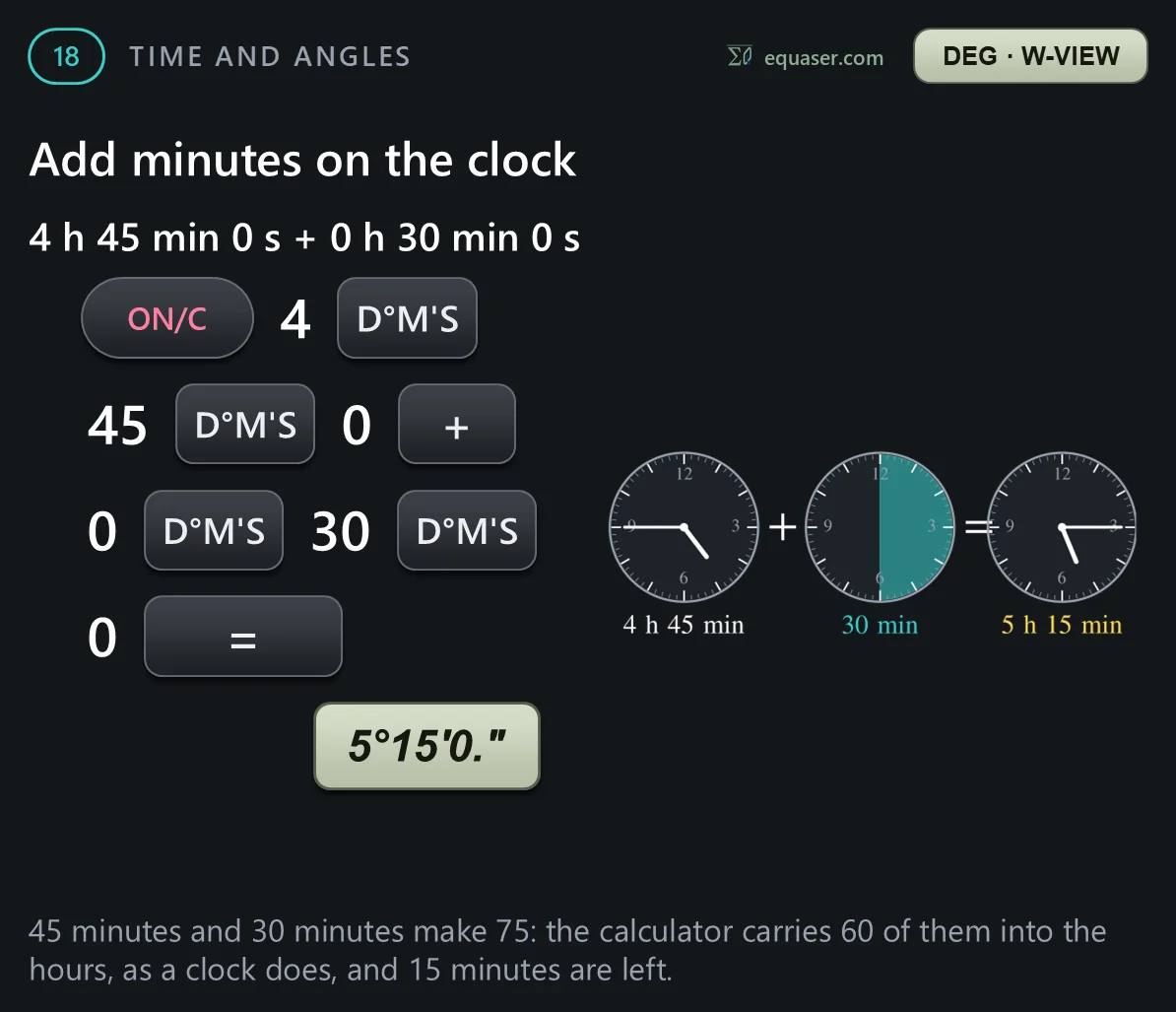
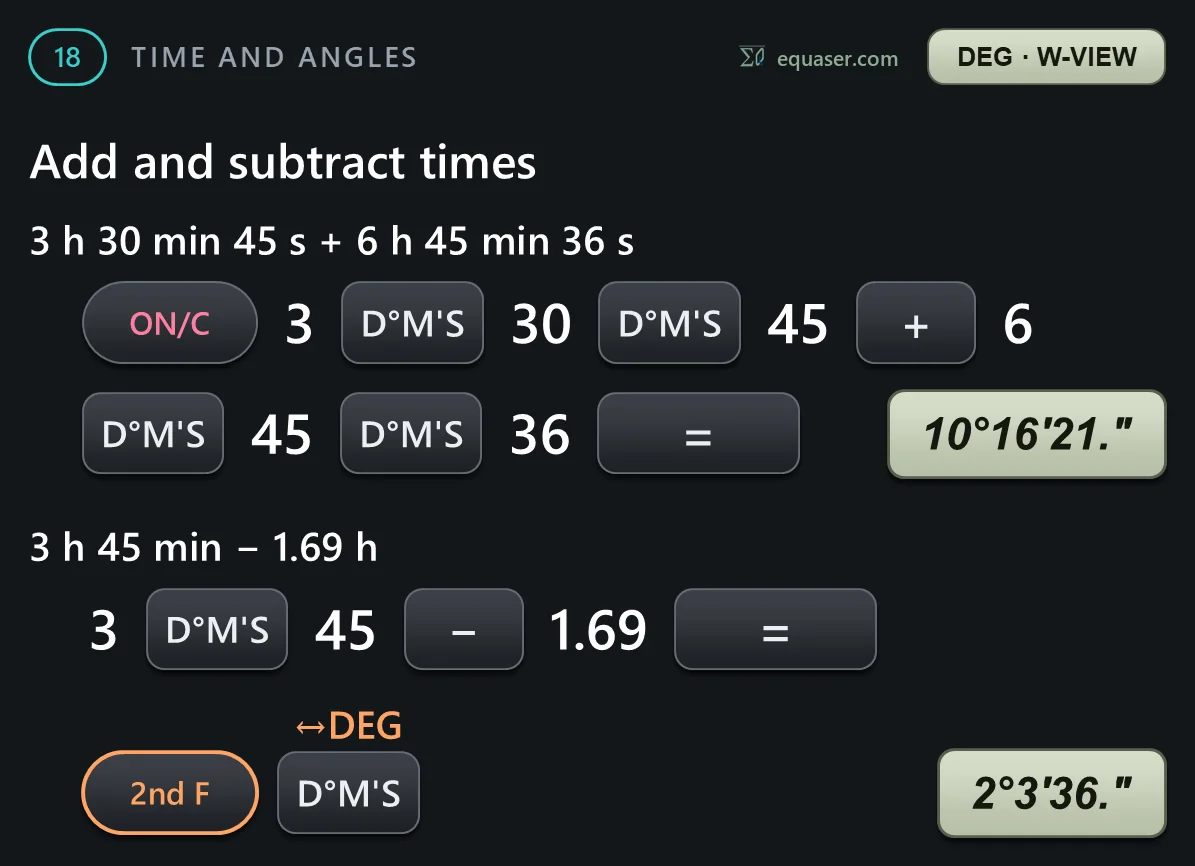
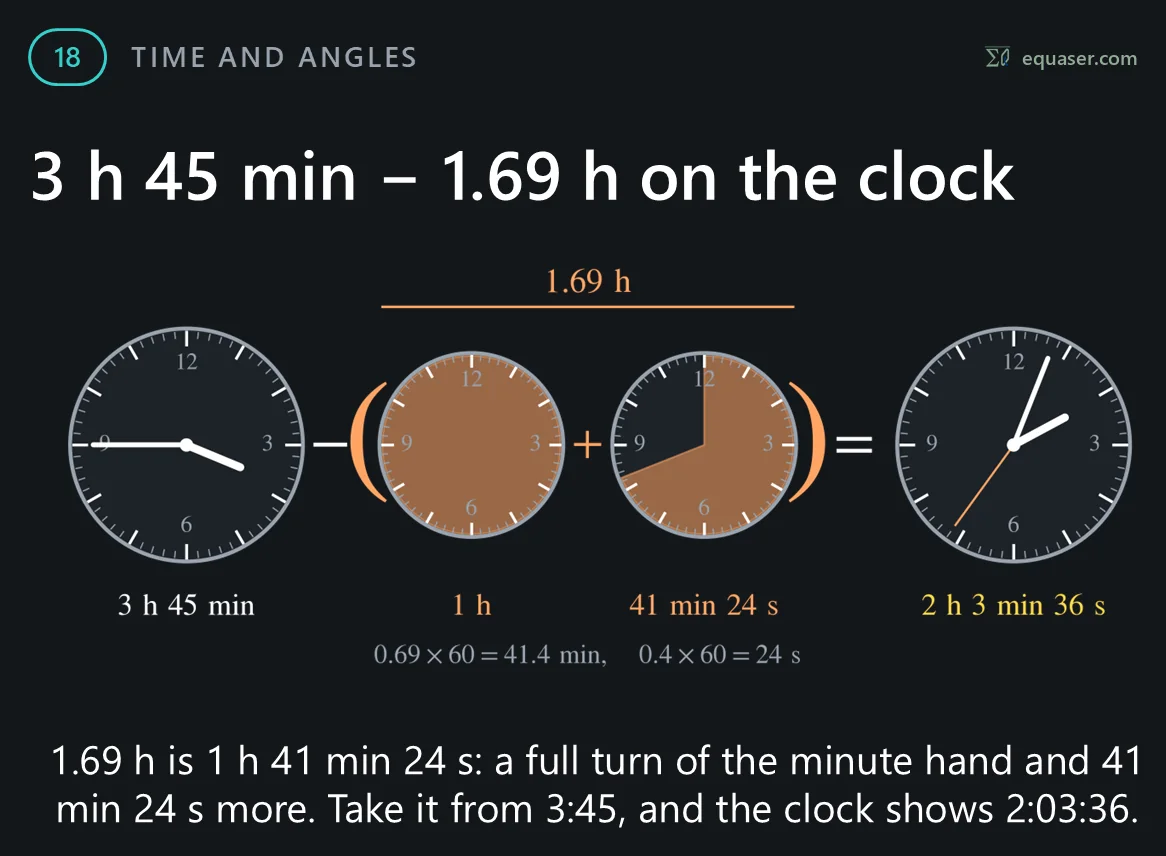
Example 18: times and angles. The degrees, minutes, seconds key separates the three parts of an angle, or of a time. 2nd F with the same key converts to a decimal number and back.

Coordinate conversions
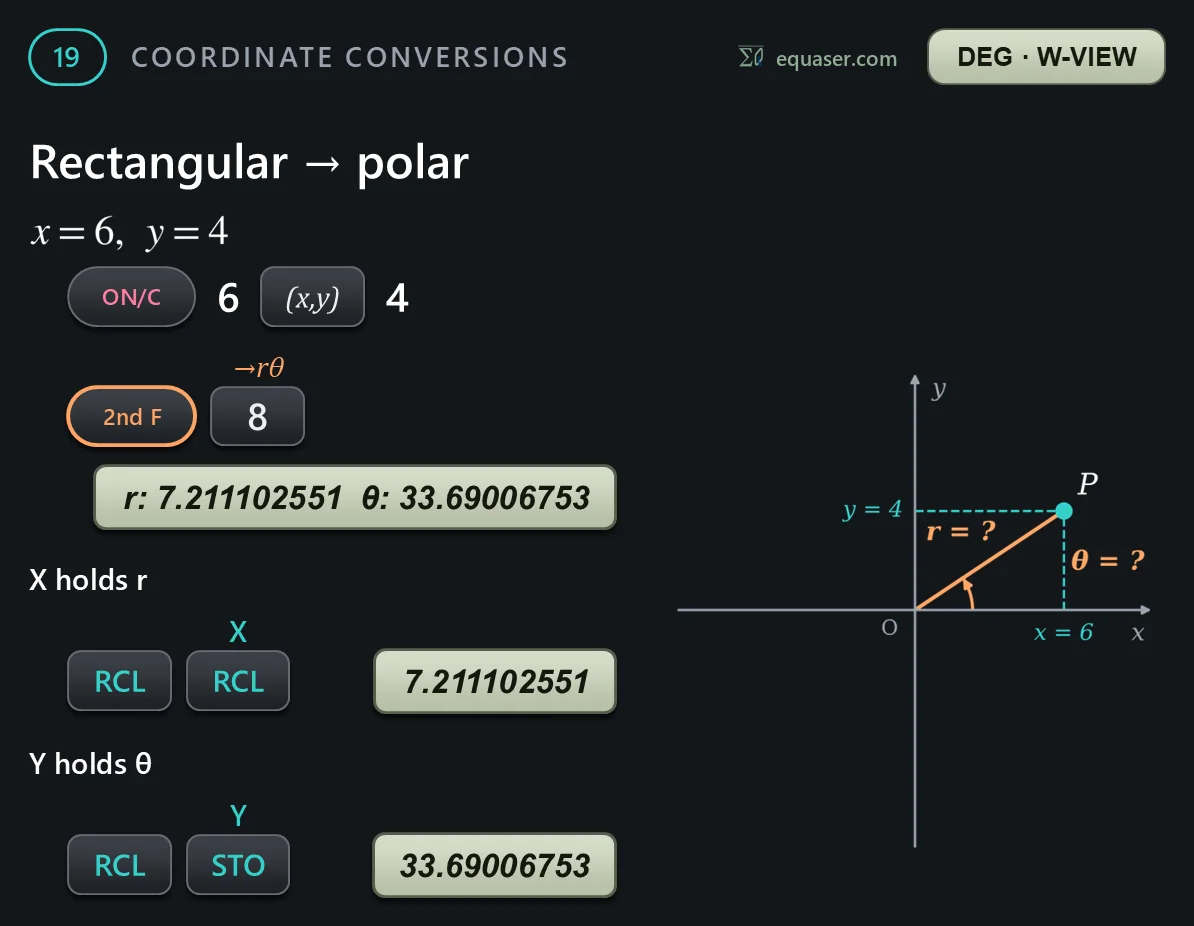
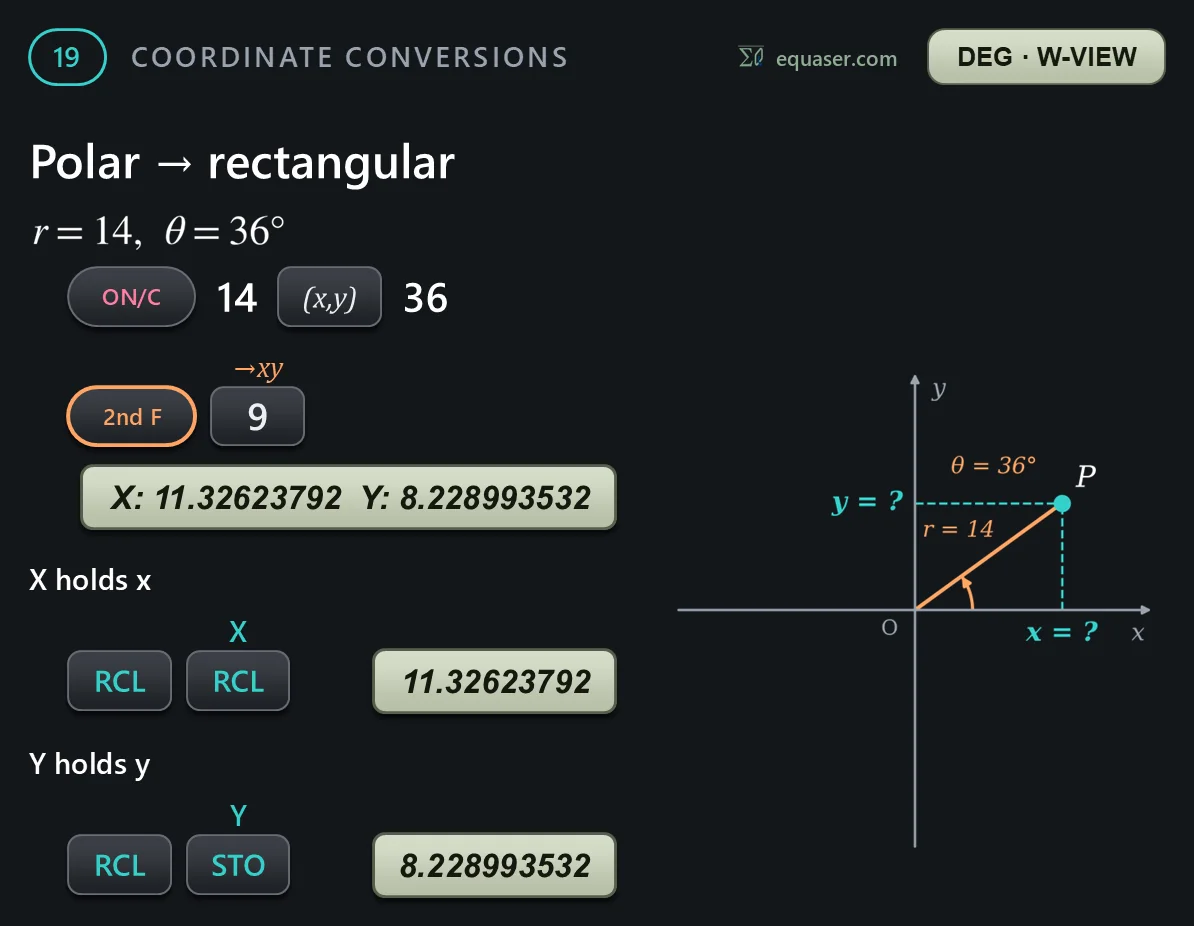
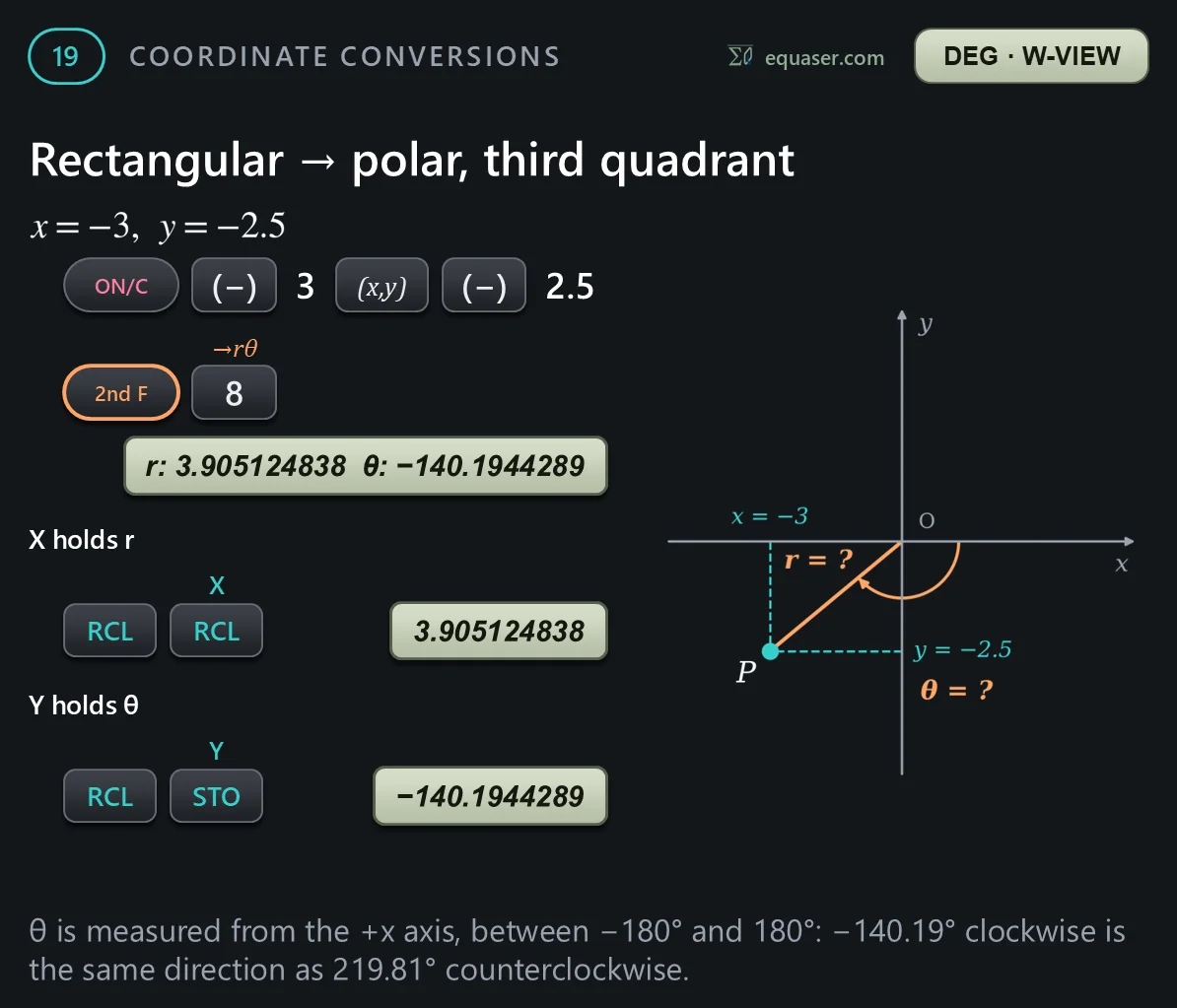
Example 19: coordinate conversions. Choose the angle unit first. The comma key separates the two values, and the answers are always decimals.



Constants and conversions
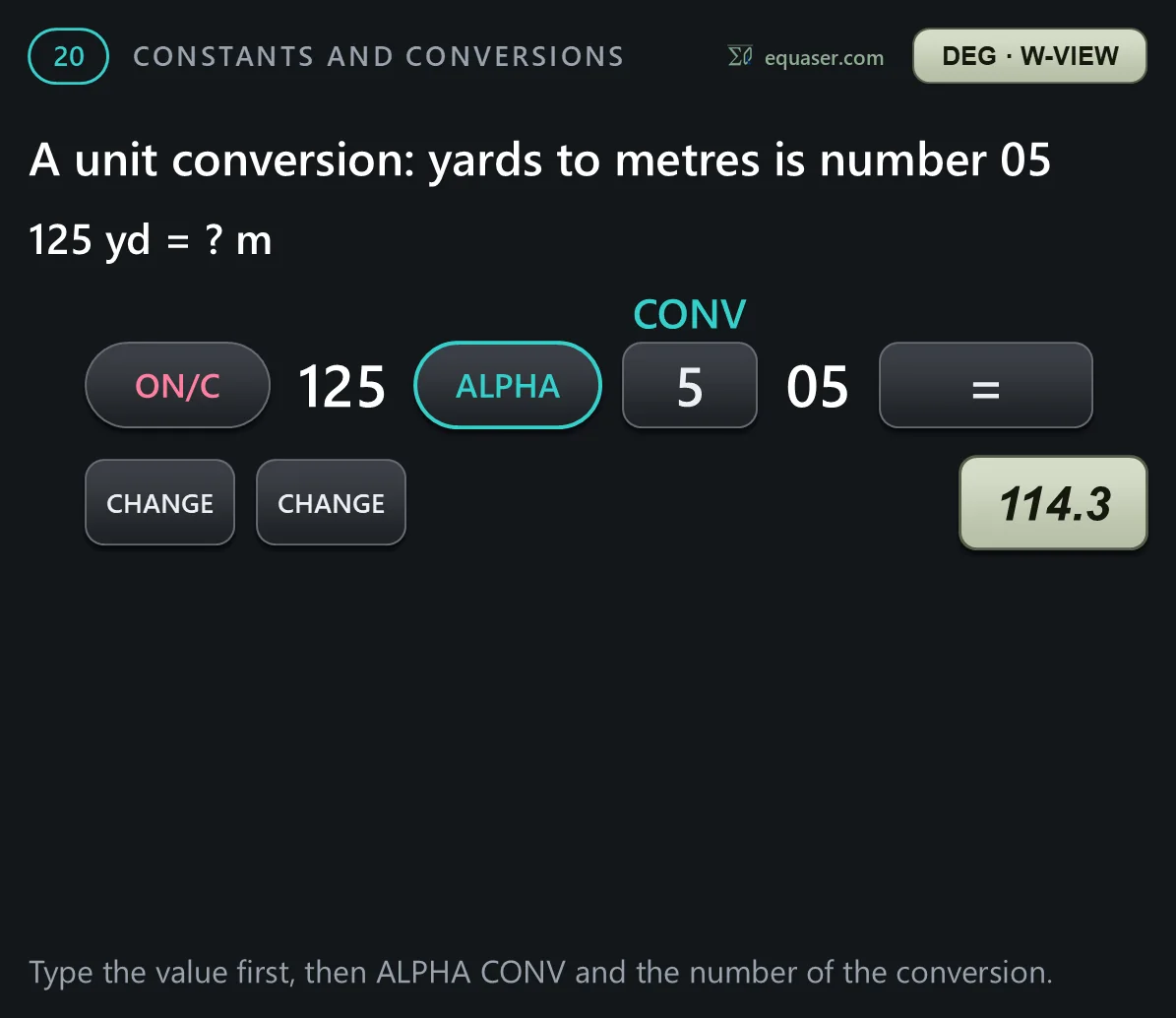
Example 20: physical constants and unit conversions. ALPHA then 4 opens a list of 52 physical constants. ALPHA then 5 opens a list of 44 unit conversions. Every item has a two-digit number.




Engineering prefixes
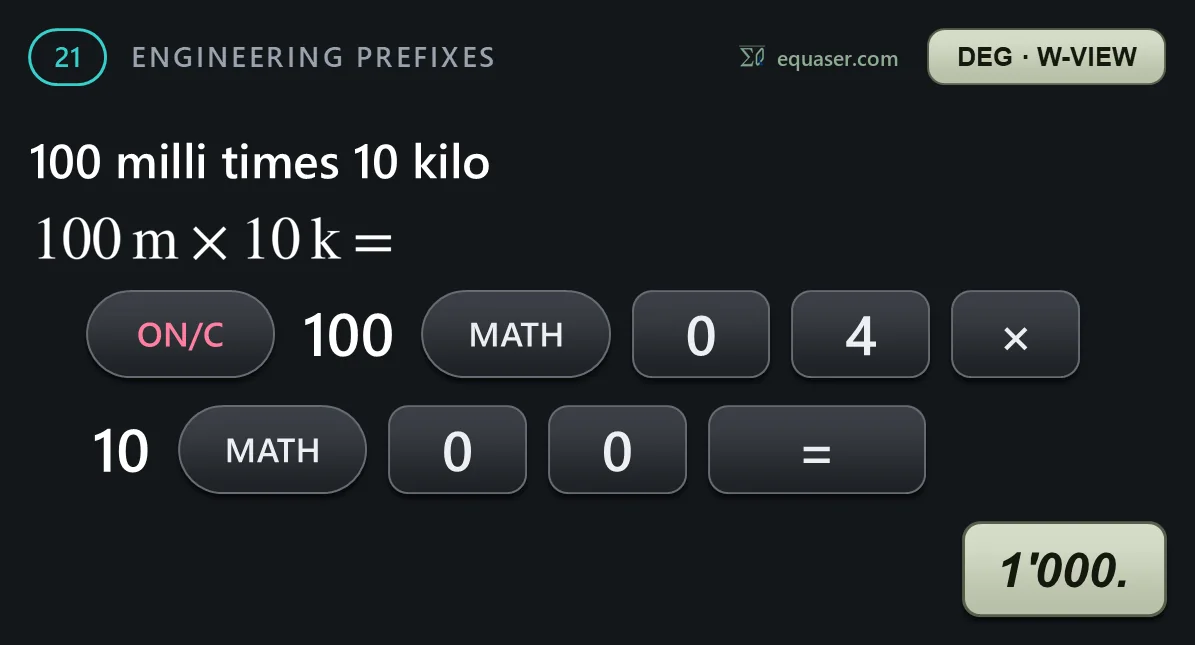
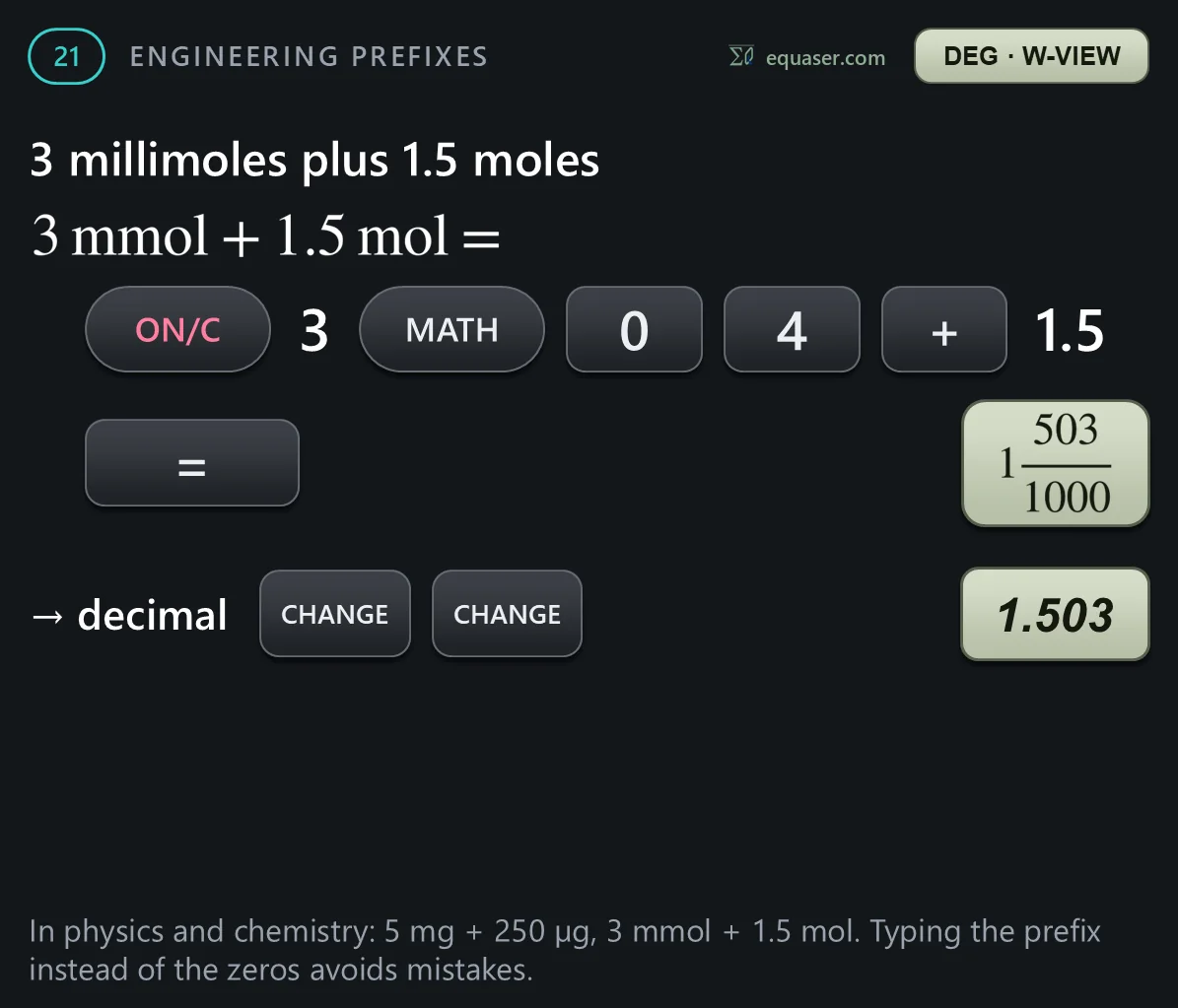
Example 21: engineering prefixes. In NORMAL mode, press MATH and then 0 to open a list of nine prefixes, from femto to tera. The prefix comes after its number.

The modify function
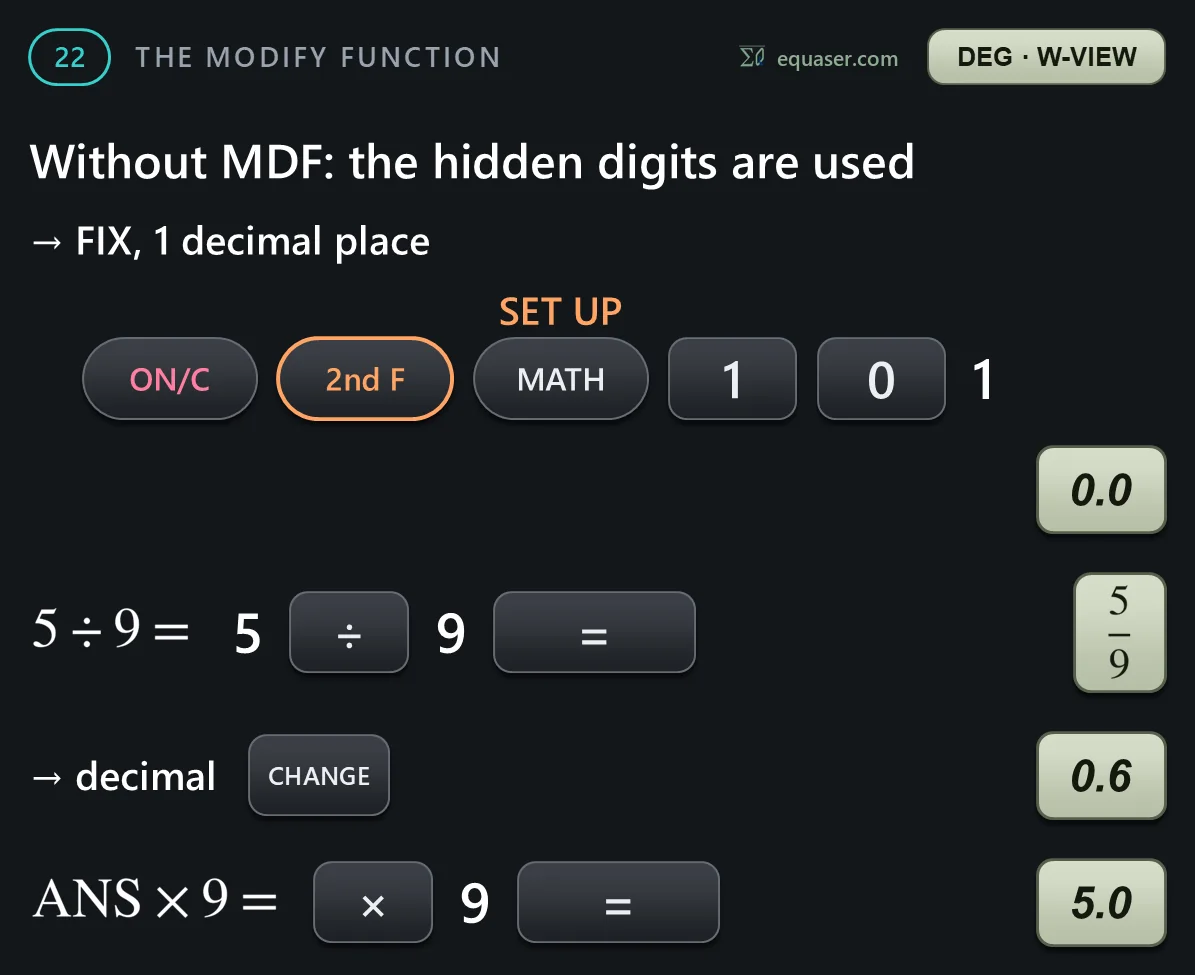
Example 22: the modify function. Inside, the calculator keeps up to 14 digits, whatever the display shows. Press 2nd F and the 0 key, MDF, to make the inside value equal to the value on the display.

Various functions
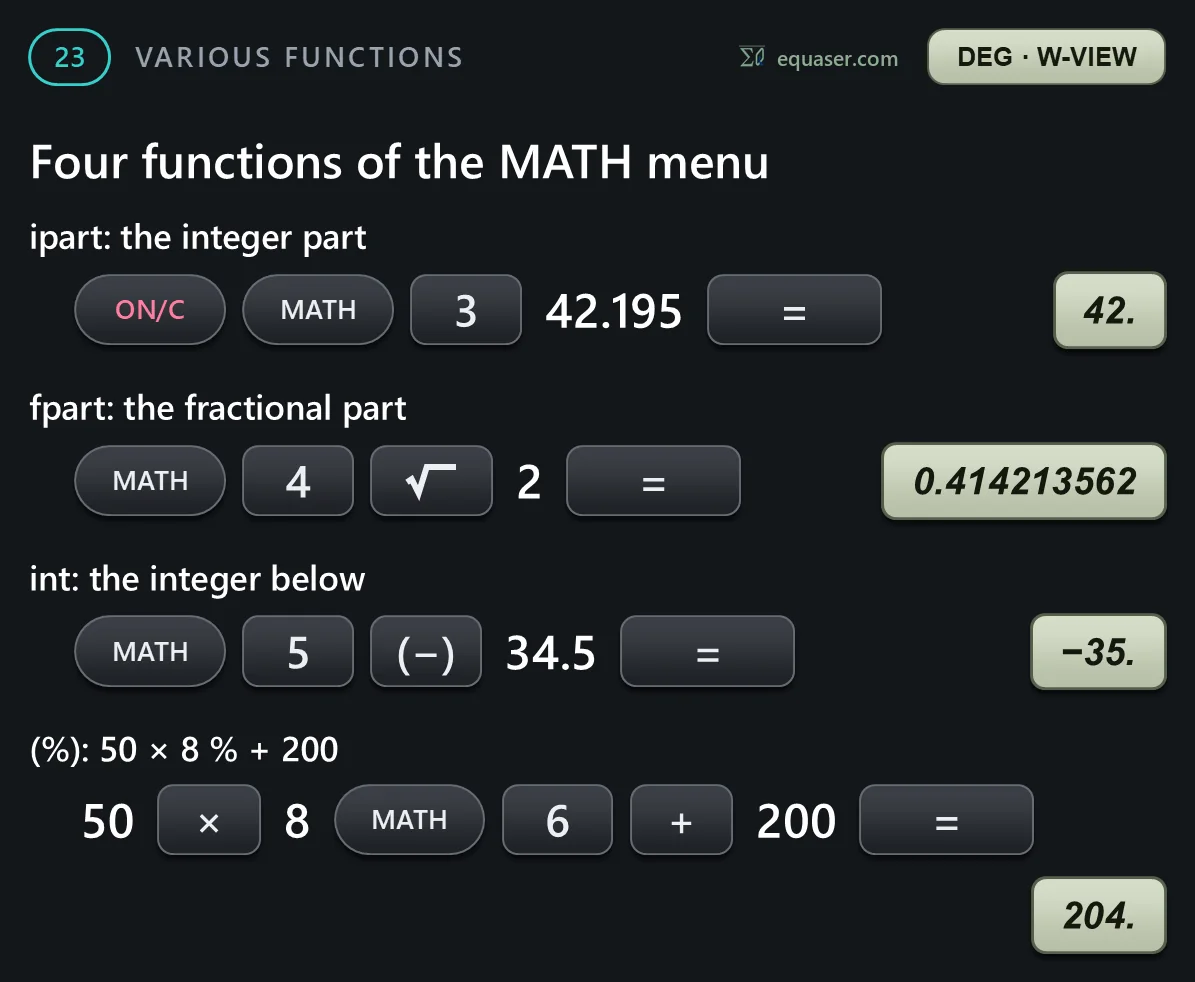
Example 23 covers functions for whole numbers: the greatest common divisor, the least common multiple, division with a remainder, and four functions of the MATH menu.


Prime factors
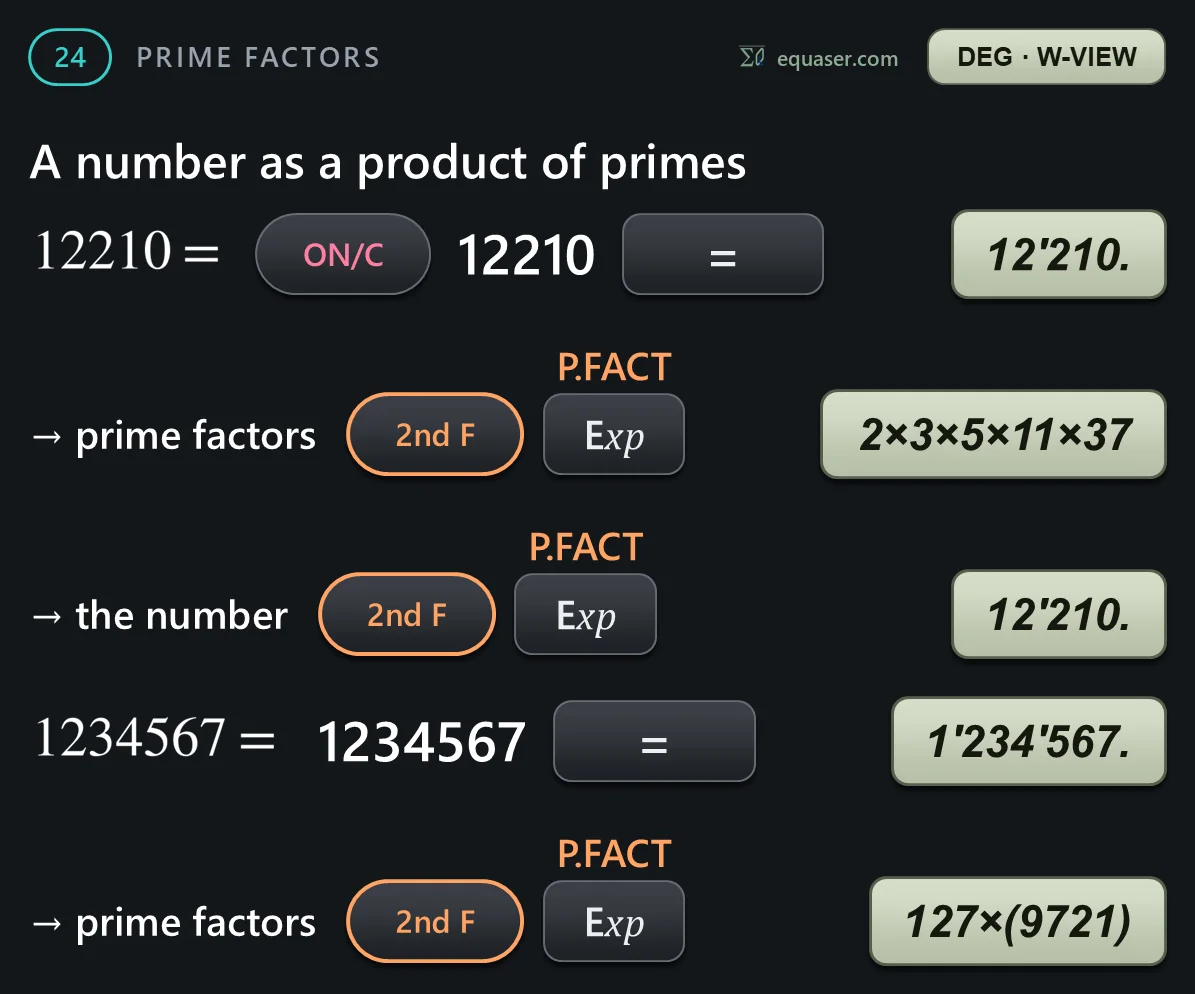
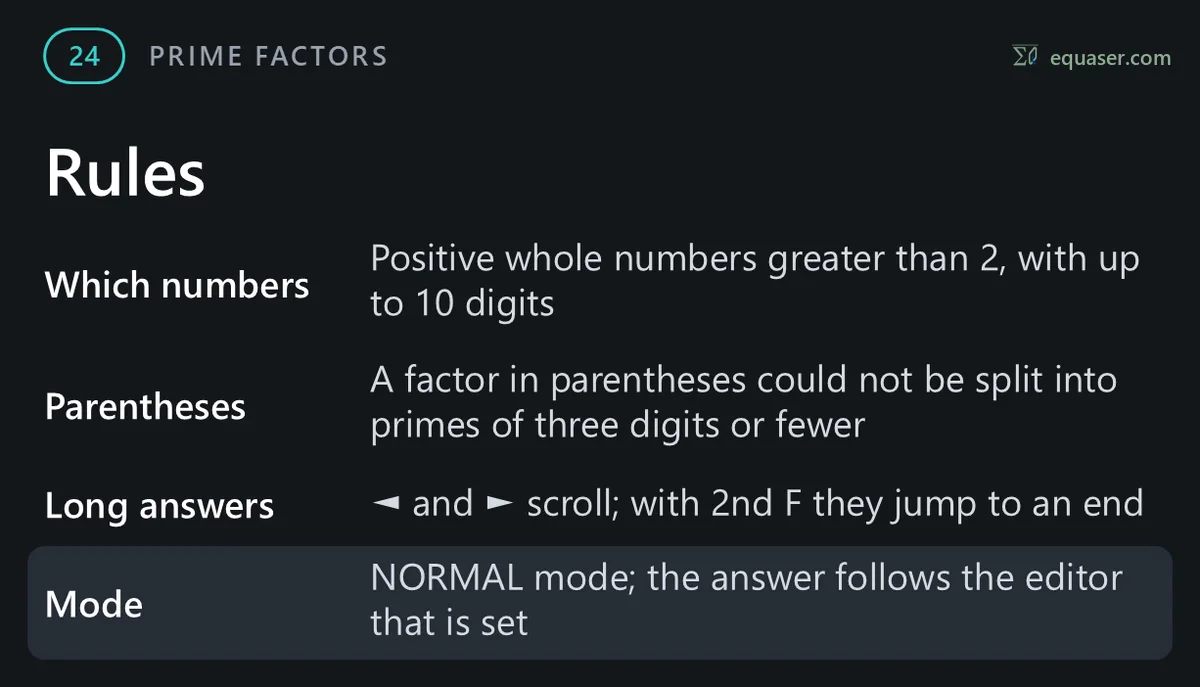
Example 24: prime factors. 2nd F with the Exp key shows a whole-number answer as a product of prime numbers. Press the same key sequence again to see the number.