PART 5: Statistics, specs and battery
Welcome to Part 5, the last part of the SHARP EL-531XT tutorial: statistics and regression, then the specifications, the calculation ranges, and how to replace the battery.
▶ Watch this step in the video (51:02)
Statistical calculations
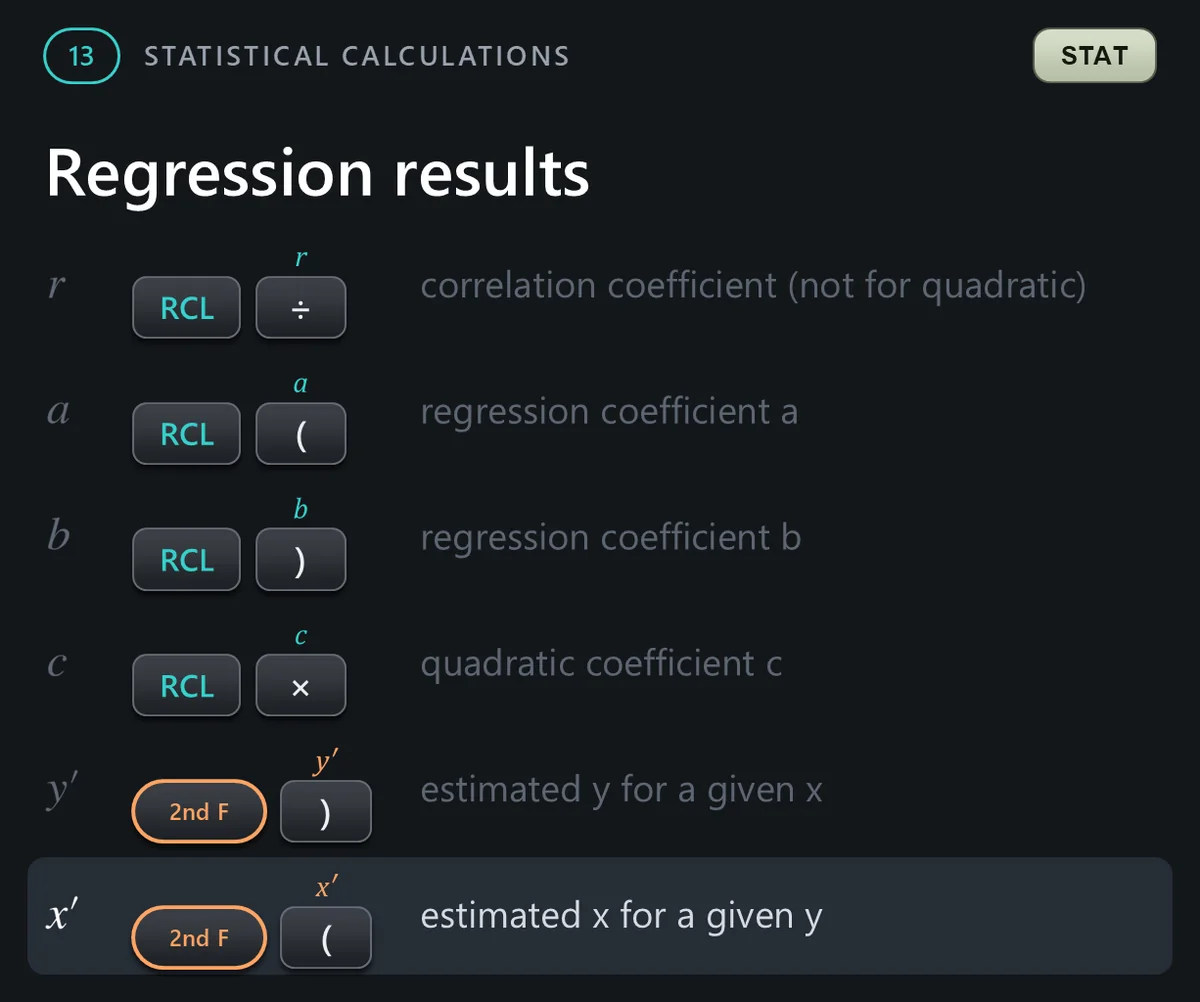
Section 13: statistics. Press MODE 1 for statistics mode, then choose a sub-mode. In statistics mode, DATA is the M plus key and x y is the STO key; they are the white labels under those keys. The results are the teal labels above the keys.




Data entry and correction
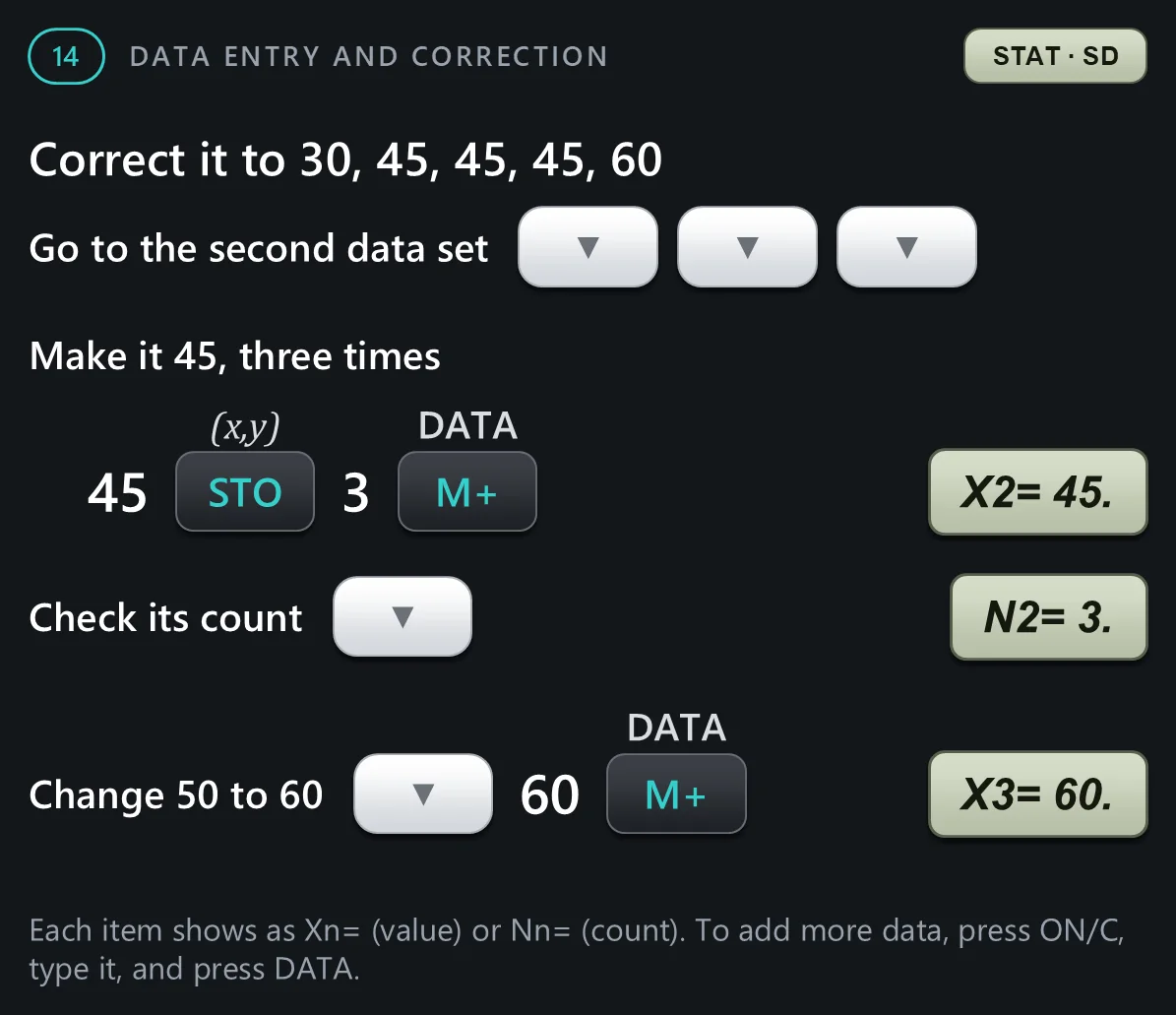
Section 14: checking and correcting data. The up and down arrows step through the data you entered. To change an item, type the right value and press DATA; 2nd F C D deletes the data set shown.

Statistics formulas
Section 15: the formulas the calculator uses for the statistics values and the regression lines.


Specifications and ranges
To finish: the specifications, the calculation ranges from page 16 of the manual, and replacing the battery.


