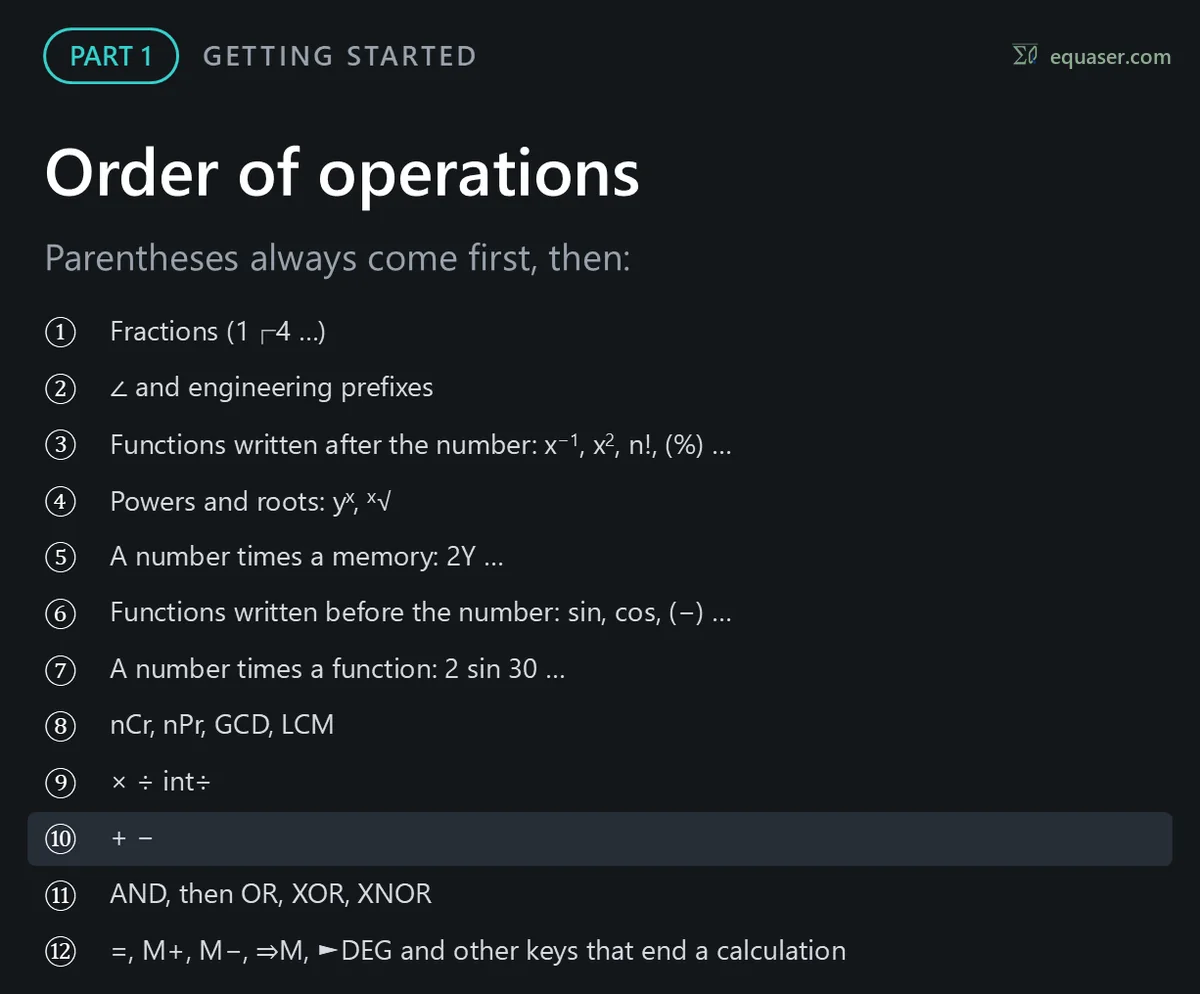
PART 1: Getting started
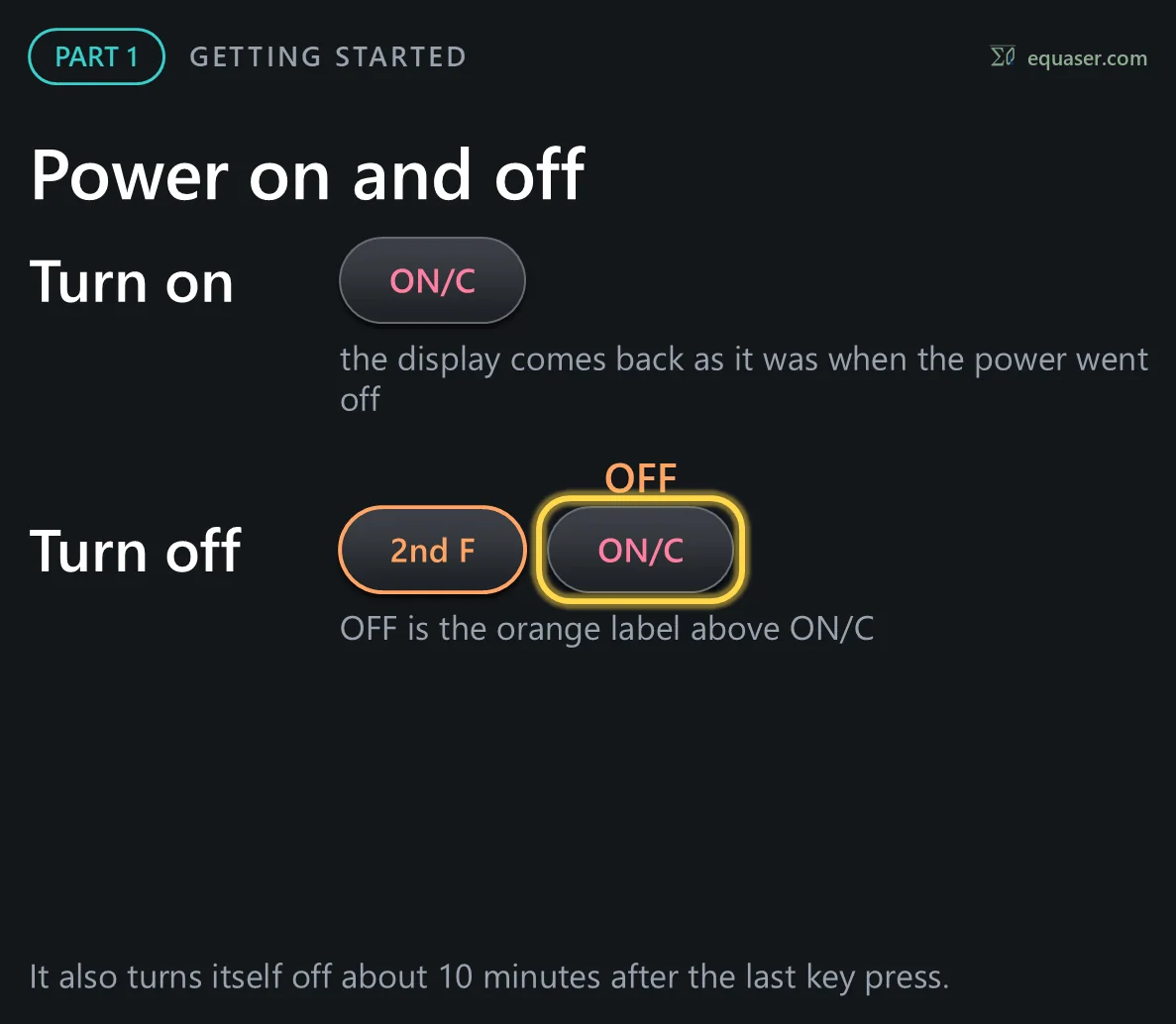
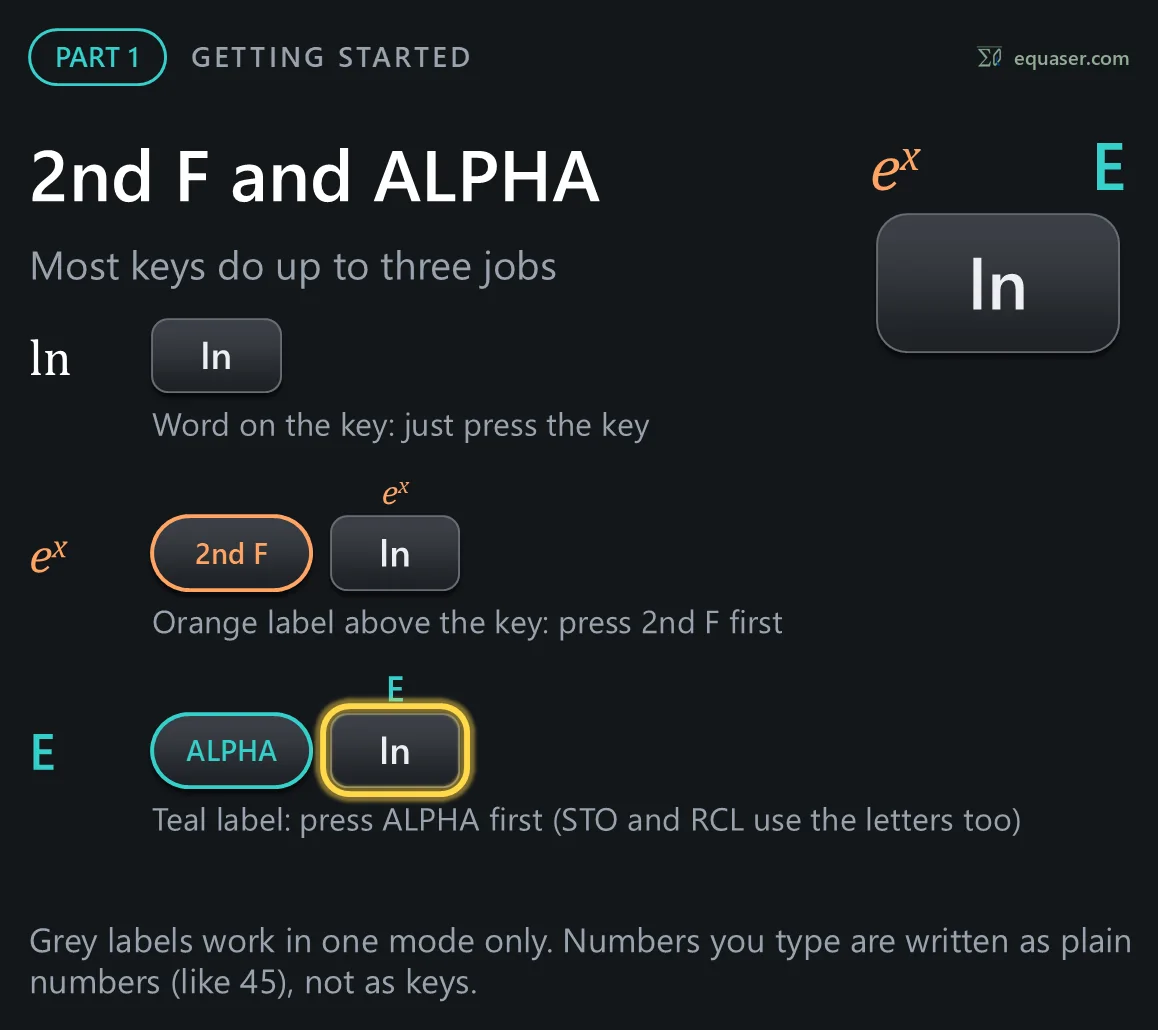
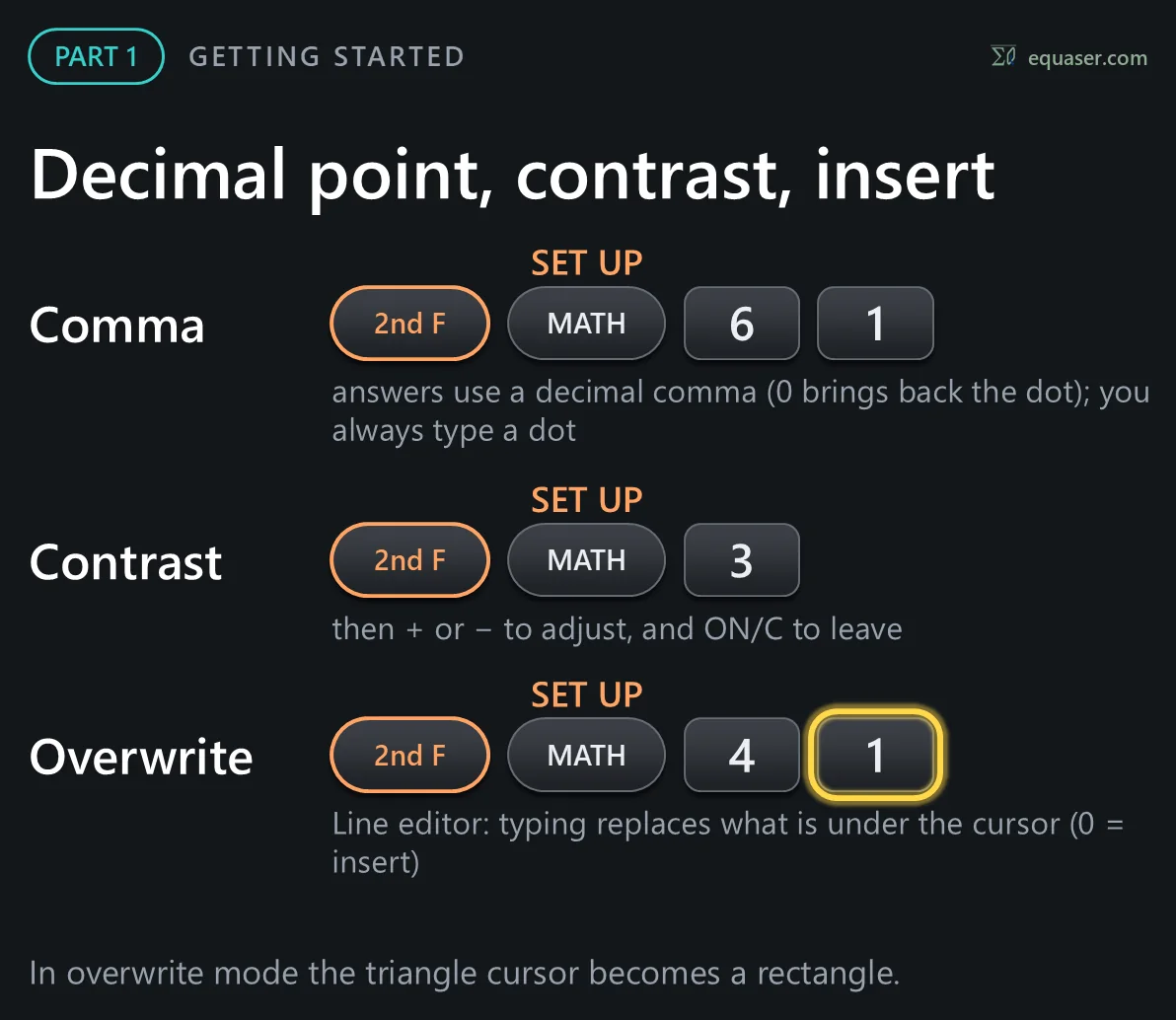
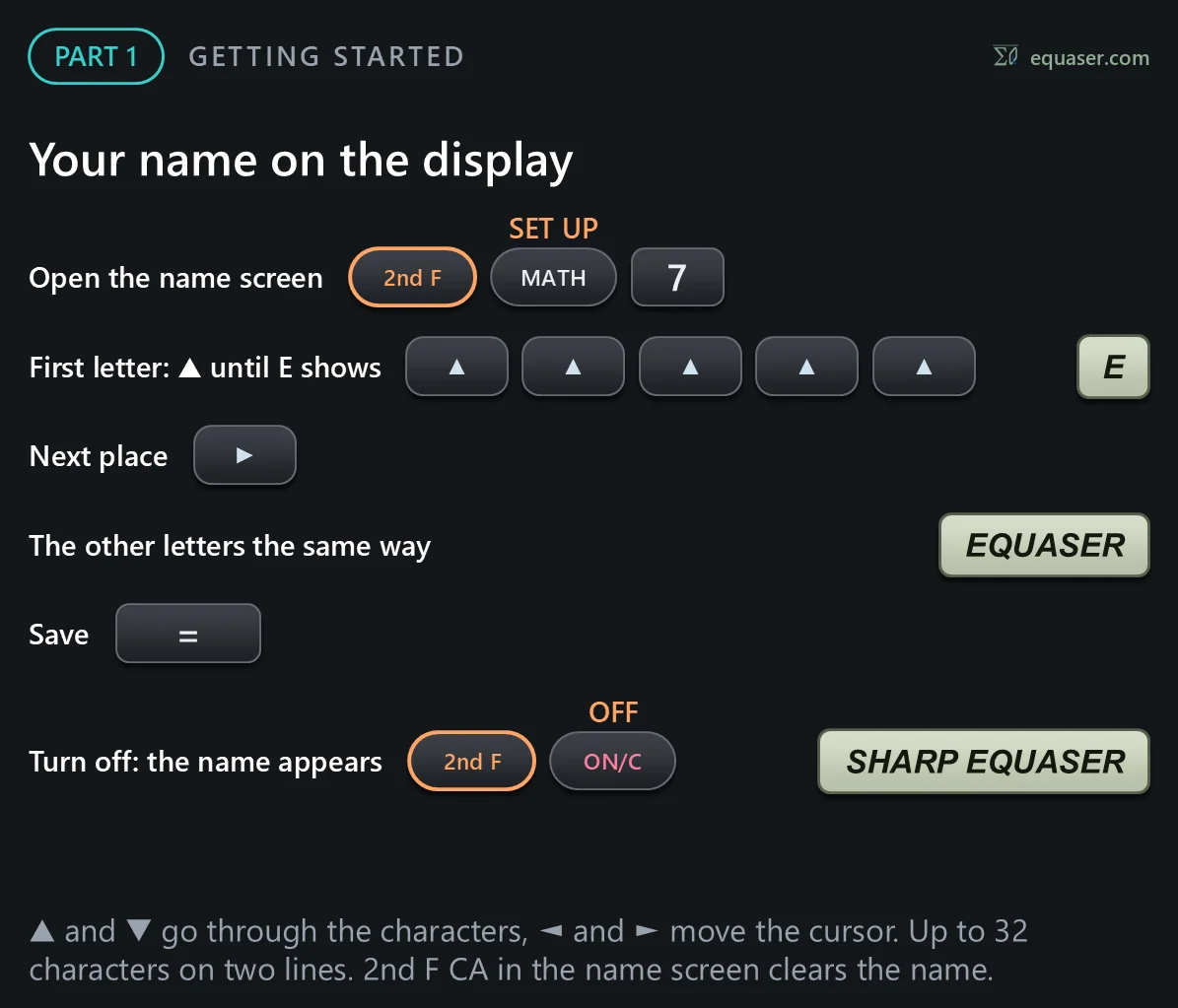
Part 1 of this tutorial for the SHARP EL-W516T and EL-W506T: getting started. On the left are the keys to press; on the right, the same keys are pressed on the real calculator. This part covers the keys, the display, the modes, and the settings.
▶ Watch this step in the video (0:37)


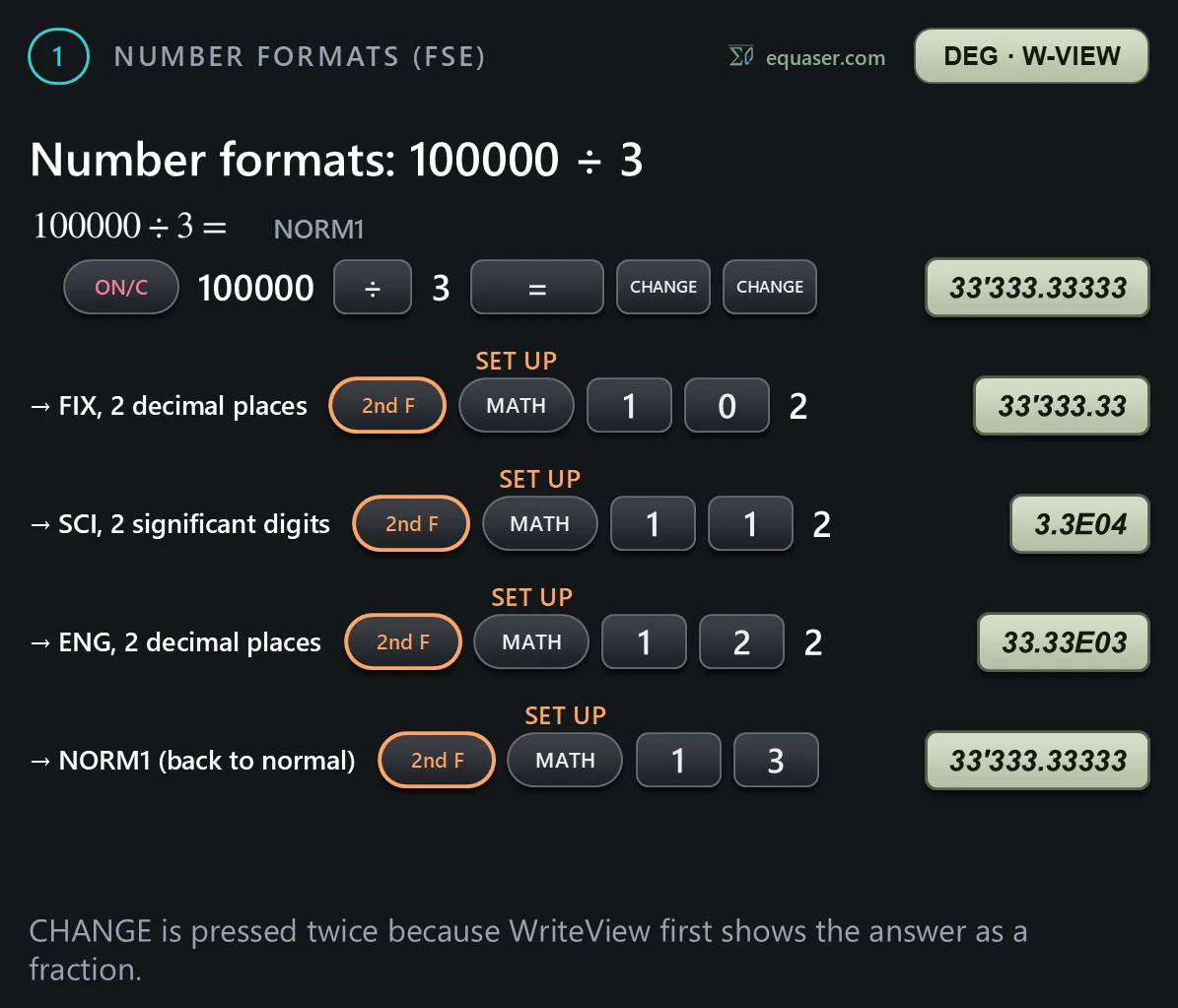
Number formats (FSE)
Example 1 of the manual: the number formats.


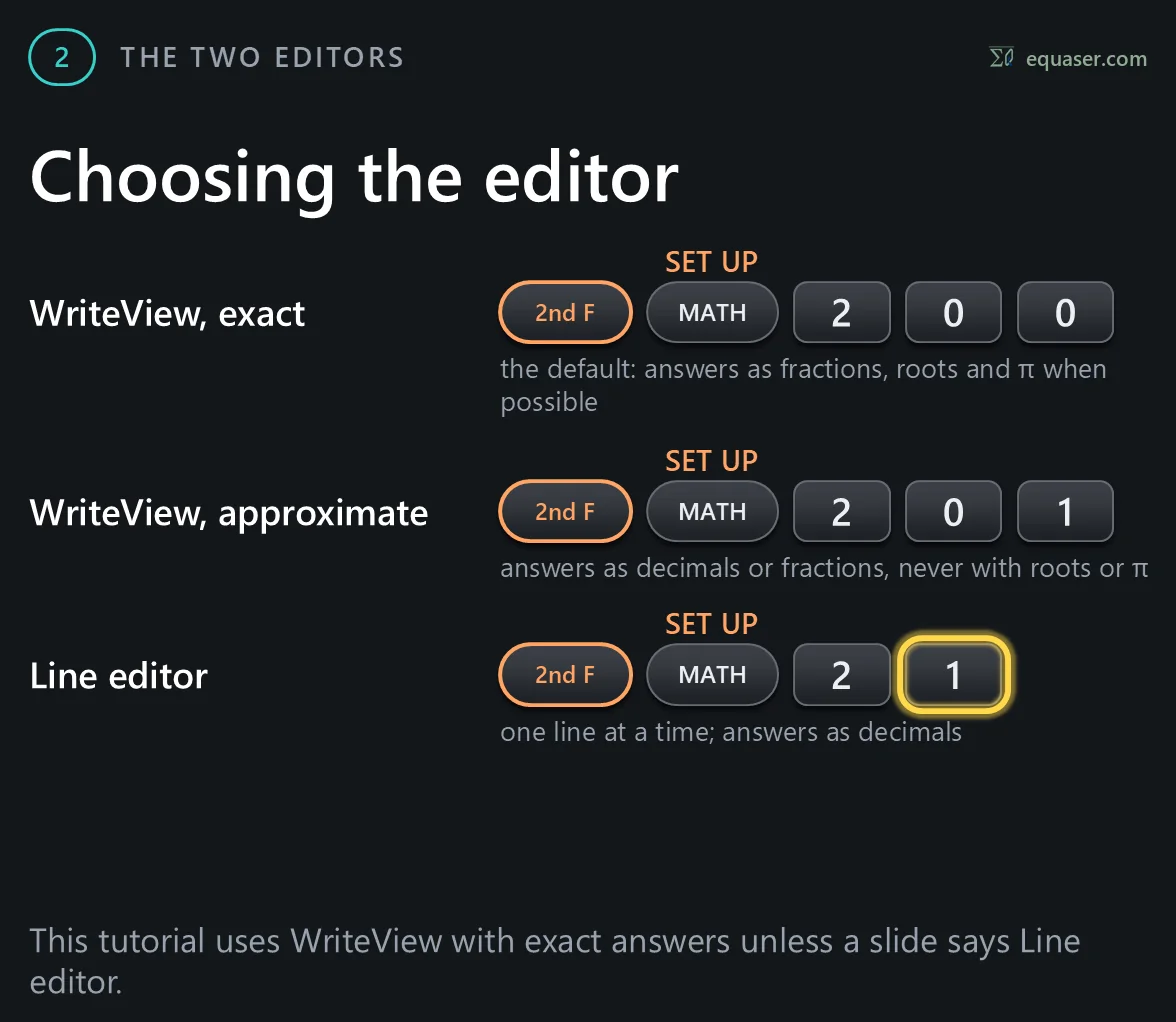
The two editors
Example 2: the editor setting.

The CHANGE key
Example 4: the CHANGE key shows an answer in its other forms.


Recurring decimals
Example 3: recurring decimals.



Multi-line playback
Example 5: playing back earlier calculations.